
No, you cannot safely use just any 12V USB car charger to power your dashcam. While almost all USB chargers can physically plug into your vehicle’s accessory socket, their electrical output, internal components, and overall stability vary widely. Using an incompatible or low-quality charger can lead to continuous reboots, corrupted video files, or even permanent damage to your camera. In the tropical heat of the Philippines, where cabin temperatures can soar while parked or stuck in traffic, choosing the wrong power source also increases the risk of overheating and hardware failure. To ensure your camera records every critical moment, you must match its specific electrical requirements with a compatible power source.
Understanding Your Dashcam's Power Requirements
To establish a baseline for compatibility, you must first locate and interpret your dashcam’s specific power input ratings. This information is typically printed on a small sticker on the camera body, molded into the mounting bracket, or detailed in the user manual. Most modern dashcams operate on a standard 5V DC USB input, but they require a specific current, measured in amperes (A), to run reliably.
While a standard smartphone might trickle-charge on a low-current source, a dashcam requires a continuous, stable stream of power to process high-definition video, write to the microSD card, and run auxiliary features like GPS or Wi-Fi. It is crucial to distinguish between your vehicle’s 12V DC accessory socket (the cigarette lighter) and the 5V DC output required by the dashcam itself. The USB charger acts as a step-down transformer, converting the vehicle’s fluctuating 12V electrical system into a stable 5V supply.
Products mentioned in this guide
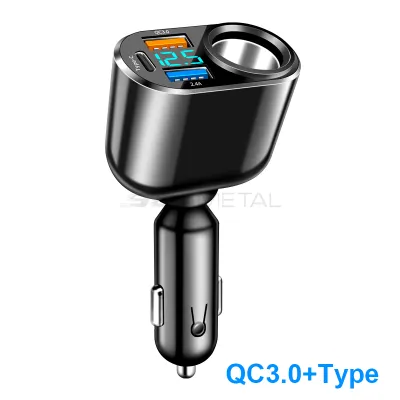
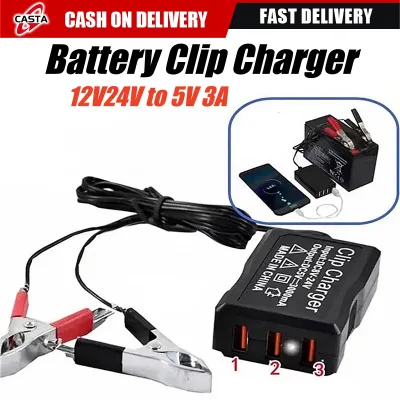
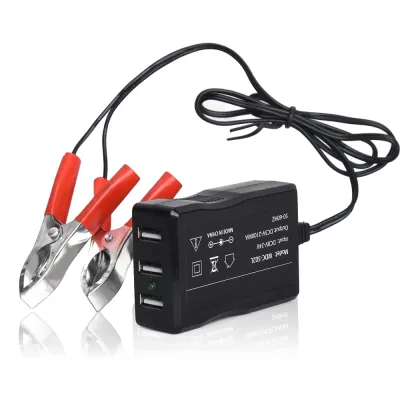
Prices are valid at publication and may change. Please refer to the product page for the latest price.
Why Not All 12V USB Car Chargers Are Compatible
The primary reason a random 12V USB adapter might fail to power your dashcam is insufficient amperage. Many older or generic USB chargers only output 1.0A or 0.5A per port. A high-performance dashcam—especially a dual-channel system recording both front and rear views—frequently demands 1.5A to 2.4A of continuous current. If the adapter cannot supply this demand, the camera will suffer from brownouts, leading to screen freezing, sudden shutdowns, or corrupted video files that fail to save when you turn off the engine.

Additionally, low-quality chargers often lack proper voltage regulation and shielding. Your vehicle’s electrical system is noisy, with voltage spikes occurring when the alternator cycles or when you start the engine. A cheap adapter can allow these spikes to pass directly to your camera, risking permanent damage to its sensitive image sensors. Furthermore, poorly shielded adapters can emit electromagnetic interference, which can degrade your car’s FM radio reception or disrupt GPS signals. Multi-port chargers also present a risk; many of these devices split their total power output across all connected ports, meaning your dashcam’s power supply could drop dangerously low the moment you plug in a smartphone to charge.
How to Check Compatibility Before Plugging In
Before connecting any charger to your dashcam, you must perform a few quick checks to verify compatibility. First, read the fine print on the charger’s body. Look for the “Output” specification, which should list the voltage and current (for example, “Output: 5V = 2.4A”). Ensure the voltage is exactly 5V and the amperage meets or exceeds the minimum requirement specified in your dashcam’s manual. A charger rated for higher amperage (such as a 2.4A port powering a 1.5A camera) is perfectly safe, as the camera will only draw the current it needs. However, a charger with lower amperage will cause operational issues.
Next, inspect the physical condition of the USB cable. Long cable runs—which are necessary to route the wire cleanly behind your vehicle’s headliner and A-pillar trim—suffer from natural voltage drop over distance. If the cable uses thin internal copper wires or has worn connectors, the voltage reaching the camera may drop below the critical threshold required for stable operation.
Finally, understand the difference between a standard 12V USB adapter and a dedicated hardwire kit. A standard adapter only provides power when the vehicle’s accessory socket is active, which usually turns off with the ignition. If you intend to use your dashcam’s parking mode to monitor your vehicle while parked, you must install a dedicated hardwire kit connected directly to the vehicle’s fuse box. Because hardwiring involves modifying your vehicle’s electrical system, always refer to your original vehicle documentation and consult a qualified auto electrician to ensure a safe, professional installation.
Signs Your Current Charger Is Not Supplying Enough Power
If your dashcam is already installed but acting up, you can often diagnose power delivery issues by observing its behavior. The most common symptom of insufficient power is a continuous boot loop, where the camera repeatedly turns on, displays the welcome screen, and shuts down. You might also notice the screen flickering, the device freezing mid-recording, or random shutdowns while driving.
Another critical sign is the failure to save emergency clips. When a dashcam detects an impact, it attempts to write a protected file to the microSD card; if the power supply drops during this high-draw write cycle, the file will corrupt, and the camera may display an SD card error. If you experience these issues, test the camera using the manufacturer’s original power adapter and cable to determine if the issue lies with your aftermarket charger.
Choosing a Reliable Replacement Charger or Cable
When selecting a replacement 12V USB charger, prioritize safety features over the lowest price. Look for reputable brands that explicitly list built-in protections against overcurrent, overvoltage, short circuits, and overheating. In tropical climates like the Philippines, cabin temperatures can quickly exceed safe limits when parked under the sun, making thermal management and heat-resistant materials essential for any electronic accessory plugged into your dashboard.
Choose a high-quality, thick-gauge USB cable that is rated for power delivery to minimize voltage drop over long distances. Avoid unbranded, generic adapters from online marketplaces that lack clear safety certifications, as these components are prone to overheating, melting, or causing electrical shorts that could damage your vehicle’s accessory socket or your dashcam.
Frequently Asked Questions (FAQ)
Can I use a multi-port car charger for my dashcam?
Yes, you can use a multi-port charger, but you must verify how the power is distributed among the ports. Ensure that the specific port dedicated to your dashcam can continuously output the required amperage even when other ports are in use. Avoid adapters that dynamically balance or reduce power output across all ports when a second device, such as a smartphone, is plugged in, as this sudden drop in current will cause your dashcam to crash or stop recording.
Does the USB cable affect dashcam power delivery?
Yes, the USB cable plays a critical role in power delivery. Long cables introduce electrical resistance, which causes a voltage drop between the charger and the dashcam. If the cable’s internal wires are too thin, the voltage reaching your camera can drop below the required 5V, leading to random reboots and instability. Always use the high-quality cable supplied by the manufacturer or a certified, heavy-duty replacement cable designed specifically for power transmission.

Community discussion
Share your experience or ask a question. Comments are reviewed before publication.