
To choose the right car charger, you need to match its total wattage and port layout to the specific power demands of your devices and the number of people riding with you. If you only need to charge a standard smartphone, a basic 18-watt to 24-watt charger will suffice. However, if you plan to power a modern laptop alongside multiple passenger phones during long drives, you will need a multi-port charger capable of delivering at least 65 watts to 100 watts of dedicated power. Understanding how these chargers distribute their power ensures your devices charge quickly without overloading your vehicle’s electrical system.
Understanding Wattage: How Much Power Do Your Devices Actually Need?
Wattage, measured in watts (W), represents the total electrical power a charger can deliver to your device. In car chargers, higher wattage directly translates to faster charging speeds, provided your device supports fast-charging protocols like Power Delivery (PD) or Quick Charge (QC). Without sufficient wattage, a device will either charge incredibly slowly or, in the case of power-hungry electronics like laptops, not charge at all.
Different devices have widely varying power requirements. Standard or older smartphones typically require 10W to 15W to charge at normal speeds. Modern flagship smartphones often support fast charging between 20W and 45W. Mid-sized tablets generally require 30W to 45W, while lightweight laptops, such as ultrabooks, demand a minimum of 45W to 65W to charge efficiently while in use.
Products mentioned in this guide
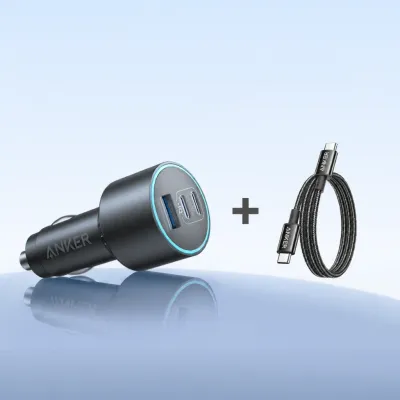
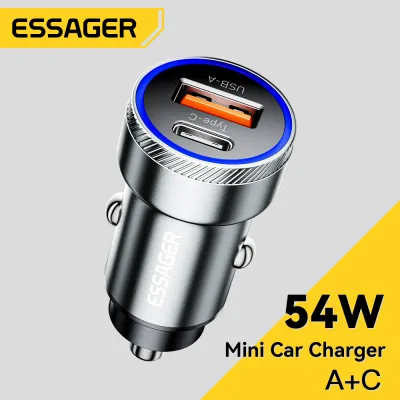
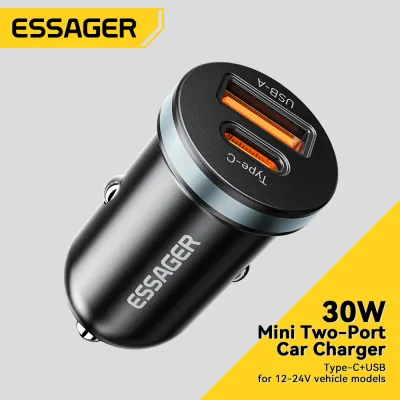

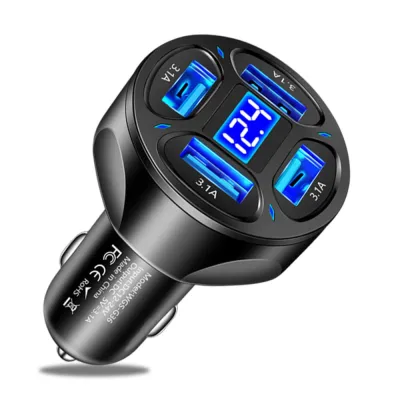
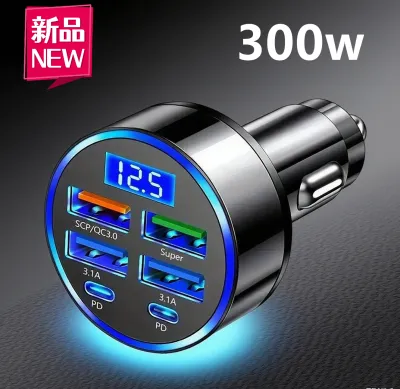
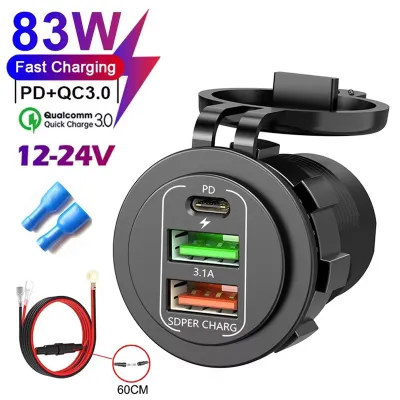
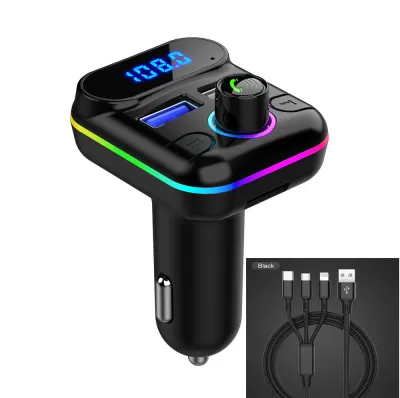
Prices are valid at publication and may change. Please refer to the product page for the latest price.
To determine the exact power needs of your specific electronics, check the original wall adapter that came with your device or consult the manufacturer’s official specifications. The power output is usually printed on the adapter in small text, listed as a wattage or as voltage (V) and amperage (A) which you can multiply (V x A = W) to find the total wattage.
A common concern is whether using a high-wattage charger will damage a smaller device. Fortunately, modern charging technology relies on an active power negotiation process. When you plug in a device, a smart chip inside both the charger and the device performs a handshake to agree on the safest, fastest speed. A 100W car charger will not force 100W into a smartphone that only accepts 20W; instead, it will safely scale down its output to match the phone’s maximum limit.
Port Configuration: Navigating USB-A, USB-C, and Port Count
The physical ports on your car charger dictate what cables you can use and how fast your devices will charge. Traditional USB-A ports are the older, rectangular connectors commonly found on legacy accessories. While reliable for older accessories, standard USB-A ports are generally limited to lower power outputs, often topping out around 12W to 18W.

In contrast, the smaller, oval-shaped USB-C ports are the modern standard for fast charging. USB-C is designed to support advanced Power Delivery (PD) protocols, which are essential for transferring high wattages of 30W, 65W, or even 100W. If you want to fast-charge any modern flagship phone, tablet, or laptop, having at least one dedicated USB-C port is non-negotiable.
When deciding on the number of ports, consider your typical driving scenarios. A solo commuter might only need a dual-port charger (one for a phone, one for a dashcam or secondary device). However, family road trips or carpooling setups often require three or four ports to keep everyone’s devices powered. Quality car chargers in the Philippines generally range from around ₱500 for basic dual-port models to upwards of ₱2,500 for high-wattage multi-port options.
Your charging speed is only as fast as your weakest link, which is why cables are just as important as the charger itself. To achieve true fast charging on modern devices, you must use a high-quality USB-C to USB-C cable. Using an old USB-A to USB-C cable or a cheap adapter will limit your charging speed to standard rates, regardless of how powerful your car charger is.
Total Output vs. Per-Port Output: The Multi-Device Charging Reality
One of the most common pitfalls when shopping for car chargers is falling for misleading marketing claims regarding total wattage. A charger boldly labeled as “95W” does not necessarily mean you can plug a 65W laptop into any single port. Often, that 95W figure is the Total Max Output, which is the combined maximum capacity of all ports running simultaneously.
To avoid disappointment, you must look for the Single Port Max Output specifications. For example, a 95W charger might split its power as 65W on the primary USB-C port and 30W on the secondary USB-C port. If you plug your laptop into the secondary port, it will only receive 30W, which may not be enough to charge it while you are working or navigating.
Power distribution in multi-port chargers typically follows one of two mechanisms: fixed power splits or smart dynamic allocation. Fixed split chargers divide their power according to a rigid, pre-set formula, regardless of what is plugged in. Smart dynamic allocation is far more efficient, as it actively detects the power requirements of each connected device and routes the maximum safe wattage to where it is needed most.
Consider a practical scenario: you are driving with a laptop and a smartphone plugged into a dual-port charger. If the charger uses smart dynamic allocation, it might supply 65W to your laptop and 20W to your phone. However, if a passenger plugs in a third device, a fixed-split charger might automatically drop the laptop’s port to 45W or even 30W. Always read the fine print on the product packaging or online listing to understand exactly how the power scales down when multiple ports are occupied.
Vehicle Power Limits and Safety in Tropical Climates
While high-wattage chargers are highly convenient, they are ultimately limited by your vehicle’s electrical system. Most standard 12V accessory sockets are rated to deliver between 120W and 180W of total power. Before purchasing a heavy-duty charger, such as a multi-port 120W or 150W model, consult your vehicle’s owner manual to verify the exact fuse rating of your accessory socket to prevent blowing a fuse. Additionally, verify your vehicle’s specific accessory socket dimensions, interface compatibility, and mounting clearance using your vehicle documentation, as socket depths can vary between car models.
Safety features are critical when dealing with automotive electricity. Look for reputable brands that explicitly feature built-in protection against overcurrent, overvoltage, short-circuits, and extreme temperatures. These internal safeguards protect not only your expensive mobile devices but also your vehicle’s delicate electronic control units from unexpected power surges.
Driving in the Philippines introduces unique environmental challenges, particularly extreme heat and high humidity. The interior cabin of a car parked under the direct tropical sun can easily exceed 50°C. High ambient temperatures degrade battery health and significantly reduce charging efficiency. To protect your electronics, avoid intensive fast charging when your vehicle’s cabin is hot, and never leave devices charging on the dashboard under direct sunlight.
Finally, always inspect your physical charging setup. Using frayed cables, loose adapters, or unbranded chargers that lack basic safety certifications poses a serious fire hazard in the confined, warm space of a vehicle. If you notice a charger or cable becoming excessively hot to the touch, unplug it immediately and inspect the connections.
Frequently Asked Questions (FAQ)
Can a high-wattage car charger damage my smartphone's battery?
No, a high-wattage car charger will not damage your smartphone’s battery. Modern smartphones and reputable chargers utilize smart negotiation chips to communicate before transferring power. The phone determines the maximum power draw it can safely accept, meaning a 100W charger will safely deliver only 20W to a phone designed for 20W.
Why is my laptop charging so slowly in the car despite using a 65W charger?
Your laptop is likely charging slowly because another device is plugged into the charger, triggering a power split. Many multi-port chargers reduce the output of their primary port when secondary ports are active. To resolve this, unplug all other devices to allow the primary USB-C port to output its full rated wattage, and ensure you are using a compatible high-wattage USB-C to USB-C cable.
Community discussion
Share your experience or ask a question. Comments are reviewed before publication.