
Selecting the right car holder for cellphone use during GPS navigation is a critical decision for any driver. A high-quality mount does more than simply keep your device within reach; it ensures your phone remains completely stable on uneven roads, keeps the screen within your natural line of sight without blocking your view of the road, and protects your device from the intense heat generated by continuous screen-on navigation. Because running GPS applications demands high processing power and constant cellular data, your choice of mount must also accommodate charging cables and support proper thermal management to prevent your phone from shutting down mid-drive.
Finding the ideal solution requires matching your vehicle’s specific interior layout with your phone’s physical dimensions and weight. Whether you are navigating daily city traffic or embarking on a long provincial road trip, understanding the mechanics of different mounting systems will help you make a safe, practical, and durable choice. By focusing on stability, visibility, and safety compliance, you can transform your daily commute into a seamless, hands-free navigation experience.
Core Selection Criteria for GPS Navigation Use
When evaluating a car holder for cellphone navigation, stability and vibration dampening are your primary lines of defense against road hazards. Driving over potholes, speed bumps, or rough asphalt creates constant vibrations that can make a GPS map unreadable. Over time, these rapid movements can also damage the delicate optical image stabilization (OIS) systems found in modern smartphone cameras. To counter this, look for mounts constructed with thick silicone padding, reinforced joints, and mechanical locking arms rather than simple tension clips. A stable mount absorbs road shock, keeping the map steady and easy to read at a quick glance.
Products mentioned in this guide
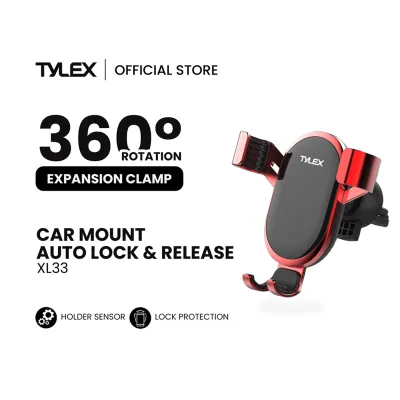
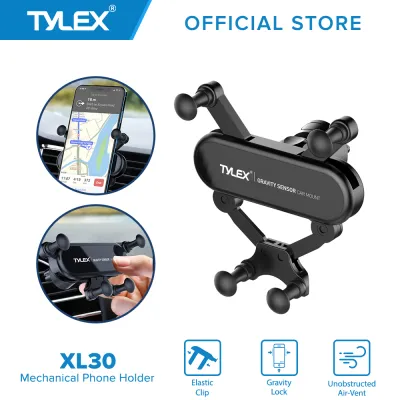
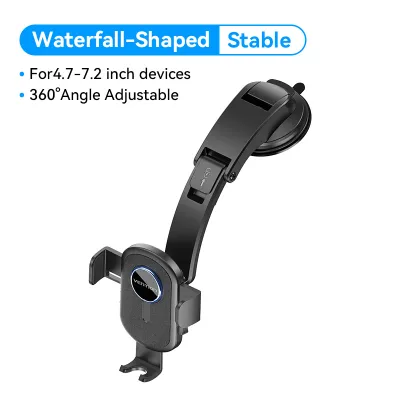
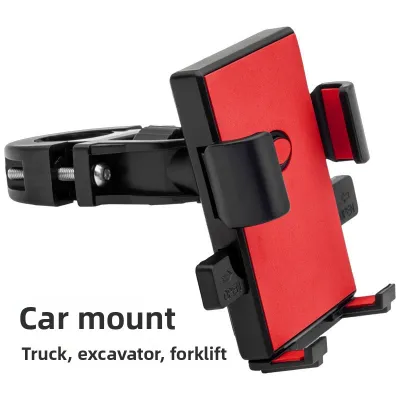
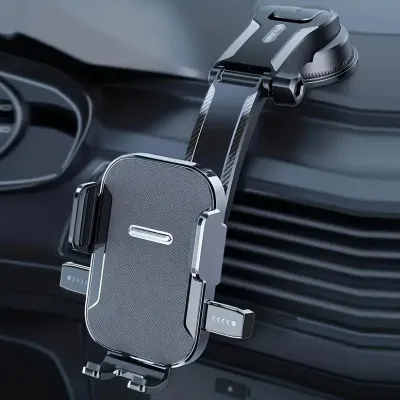
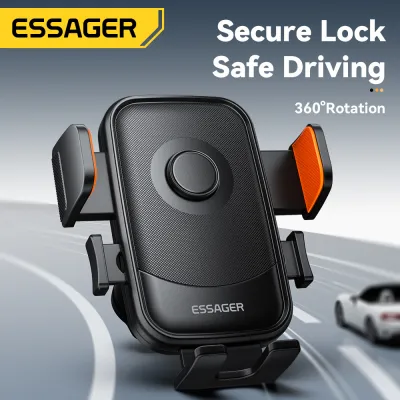
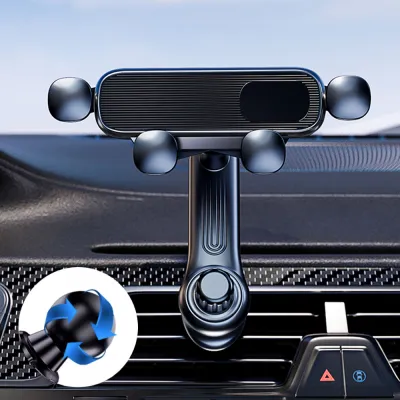
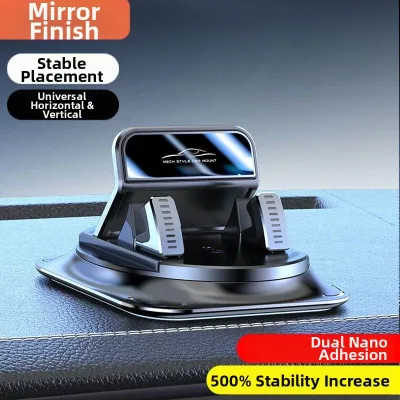
Prices are valid at publication and may change. Please refer to the product page for the latest price.
Sightline placement is another non-negotiable safety factor. The ideal mount positions your phone within your peripheral vision—often referred to as a head-up position—allowing you to check directions without fully taking your eyes off the road. However, this placement must be balanced carefully to avoid creating dangerous blind spots. The holder must not obstruct your forward view through the windshield, block your instrument cluster, or obscure your side mirrors. Achieving this balance requires a mount with highly adjustable angles, typically enabled by a 360-degree rotating ball joint, so you can fine-tune the viewing angle to match your seating position.
One-handed operation is essential for maintaining focus while driving. Fumbling with complicated clamps or manual screw locks while navigating traffic is highly dangerous. High-quality mounts feature quick-release buttons, gravity-locking side arms, or magnetic interfaces that allow you to secure or retrieve your phone with a single, smooth motion. This ease of use ensures that you can dock your phone and start your navigation app before putting the car in gear, and easily remove the device when you reach your destination.
Evaluating Mount Types for Different Vehicle Interiors
Air vent mounts are highly popular due to their compact size and ease of installation. By clipping directly onto the vehicle’s air conditioning slats, they keep your phone positioned lower than the dashboard, preserving a completely clear view through the windshield. In tropical climates, this positioning offers a significant advantage: the cold airflow from the air conditioning vent directly cools the back of the phone, preventing the device from overheating during intensive GPS use. However, you must verify your vent slat design before purchasing. While horizontal and vertical slats easily support standard vent clips, circular or rotating vents often lack the structural stability to hold a heavy phone mount securely.

Suction cup and dashboard mounts offer excellent adjustability, often featuring telescopic arms that bring the phone closer to your reach. These mounts can be attached directly to the windshield or to smooth, non-porous sections of the dashboard. However, they are highly susceptible to environmental wear. Intense tropical heat and direct UV exposure can degrade the adhesive gel and suction cup material over time, causing the mount to lose its grip and fall unexpectedly. When installing a dashboard mount, you must also identify and avoid the deployment zones of your vehicle’s airbags. A mount placed in the path of a deploying airbag can become a dangerous projectile in an accident.
CD slot and rearview mirror mounts utilize alternative mounting points within the cabin. CD slot mounts insert directly into your vehicle’s unused CD player slot, providing an exceptionally stable and vibration-free platform. Because they are anchored to the rigid structure of the dashboard, they rarely sag or shake. However, they can block access to your infotainment screen, hazard light button, or climate controls. Rearview mirror mounts clamp onto the stem of your existing mirror, keeping the phone high and close to your natural line of sight. The trade-off is that the added weight of the mount and phone can cause the rearview mirror to sag over time, and the assembly can create a noticeable obstruction in your forward field of vision.
Addressing Heat and Power Management During Navigation
Running GPS navigation apps is one of the most resource-intensive tasks a smartphone can perform. The simultaneous use of the screen, GPS receiver, cellular data, and graphics processor generates substantial internal heat. When you combine this internal heat with direct sunlight streaming through the windshield, the phone’s temperature can skyrocket. To prevent thermal throttling—which dims the screen, slows down navigation performance, and can eventually shut down the phone entirely—you must position the device away from direct sunlight. Utilizing an air vent mount or placing the dashboard mount in a position where cabin air conditioning can circulate around the device is highly effective.
Power management is equally critical, as continuous GPS tracking drains smartphone batteries rapidly. To keep your device powered, you will need to route a charging cable from your vehicle’s USB port or 12V accessory charger to the mount. This cable must be routed cleanly and securely. Never allow charging cables to hang loosely across the gear shifter, steering column, or near the foot pedals, as a snagged cable can interfere with your ability to control the vehicle safely. Use adhesive cable clips to secure the wire along the contours of your dashboard.
Drivers must also learn to recognize the early signs of thermal stress on their devices. If your phone’s screen suddenly dims to an unreadable level, if the battery stops charging despite being plugged in, or if the map interface begins to lag severely, your phone is likely overheating. If this occurs, safely pull over to the side of the road when it is safe to do so. Turn off the screen, unplug the charger, and hold the device in front of an active air conditioning vent for a few minutes to let it cool down before resuming your journey.
Pre-Purchase Compatibility and Safety Verification
Before purchasing a car holder for cellphone use, you must conduct a thorough compatibility check. Start by measuring the physical dimensions of your phone, paying close attention to its total width and thickness when enclosed in your daily protective case. Many heavy-duty, rugged, or wallet-style cases add significant bulk that standard mount clamps cannot accommodate. If you use a pop-up grip or a ring holder on the back of your phone, ensure the mount’s backing plate has enough clearance to allow the phone to sit flush and lock securely into place.
Safety must always take precedence over convenience. Consult your vehicle’s owner manual to locate the exact deployment zones for all cabin airbags, including steering wheel, passenger dashboard, and side curtain airbags. Under no circumstances should a phone holder, mounting bracket, or charging cable be placed within or across these deployment paths. Additionally, check local traffic regulations regarding windshield obstructions. In many regions, including the Philippines under the Anti-Distracted Driving Act, electronic devices must be mounted in a specific zone that does not interfere with the driver’s direct line of sight—typically defined as no higher than four inches from the top of the dashboard.
Finally, inspect the materials of your vehicle’s interior before choosing an adhesive or suction-based mount. Textured plastics, leather-wrapped dashboards, and porous vinyl surfaces do not allow suction cups to form a proper vacuum seal, and strong adhesives can permanently stain or tear these delicate materials. For textured dashboards, look for mounts that include a smooth adhesive mounting disk, or opt for an air vent or CD slot mount to preserve your dashboard’s original condition. Investing a few minutes in these pre-purchase checks will ensure your mount performs reliably and safely for years to come.
Frequently Asked Questions (FAQ)
Can magnetic car mounts damage my phone's GPS or internal components?
Modern smartphones utilize solid-state sensors, including digital compasses (magnetometers) and GPS chips, which are generally unaffected by the relatively weak permanent magnets used in consumer car mounts. The magnetic field will not corrupt your phone’s internal storage, battery, or GPS signal reception. However, strong magnetic mounts can temporarily disrupt the calibration of your phone’s internal digital compass, which might cause the map orientation to spin or point in the wrong direction briefly. This issue is easily resolved by removing the phone from the magnet and moving it in a figure-eight motion to recalibrate the sensor. Additionally, if you use wireless charging, ensure that any metal plates attached to your phone or case do not block the wireless charging coils, as this can cause extreme heat buildup during charging.
How do I clean a suction cup mount that has lost its grip?
Over time, dust, lint, and cabin oils will accumulate on the sticky gel surface of a suction cup mount, causing it to lose its vacuum seal and fall off. To restore its original grip, carefully remove the mount from your vehicle and rinse the suction cup under warm running water. Gently use your fingers to wash away any dirt or debris from the gel surface; do not use abrasive sponges, dish soaps, or harsh chemical cleaners, as these can permanently strip the sticky polyurethane coating. Once clean, allow the suction cup to air dry completely. Do not wipe it with a paper towel or cloth, as this will immediately reintroduce lint to the sticky surface. Before reinstalling the dry mount, thoroughly clean the windshield or dashboard mounting surface with a mild, surface-safe cleaner to ensure a completely oil-free area for maximum suction.
Community discussion
Share your experience or ask a question. Comments are reviewed before publication.