
Choosing a dashcam for car use in the Philippines requires looking past flashy marketing terms and focusing on real-world durability. The local driving environment presents severe challenges: intense tropical heat that bakes parked vehicles, sudden torrential downpours that reduce visibility, and dense, unpredictable traffic. To ensure your camera actually records when you need it most, you must prioritize heat tolerance, reliable low-light capture, and robust storage over unnecessary software extras.
Heat Tolerance and Power Supply: Surviving the Tropical Climate
The extreme cabin temperatures experienced in the Philippines make the internal power source of a dashcam its most critical vulnerability. Traditional dashcams often rely on lithium-ion batteries, which are highly sensitive to heat. Under prolonged exposure to direct sunlight, these batteries can swell, leak, or suffer sudden thermal shutdowns, rendering the camera useless.
For tropical climates, supercapacitor-powered dashcams are generally preferred. Supercapacitors do not store energy chemically like batteries do; instead, they hold a charge electrostatically, allowing them to withstand much higher operating temperatures without the risk of swelling or exploding. When shopping, always check the manufacturer’s official specifications on the product label to verify the rated operating and storage temperature ranges.
Products mentioned in this guide
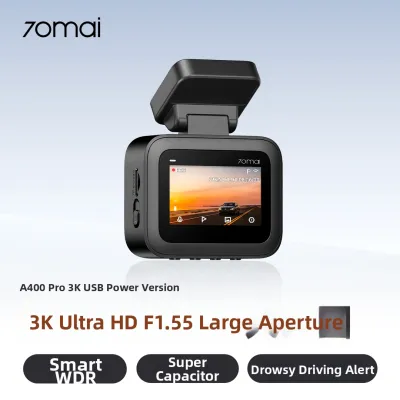
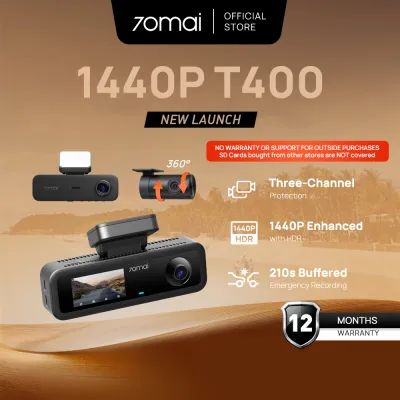
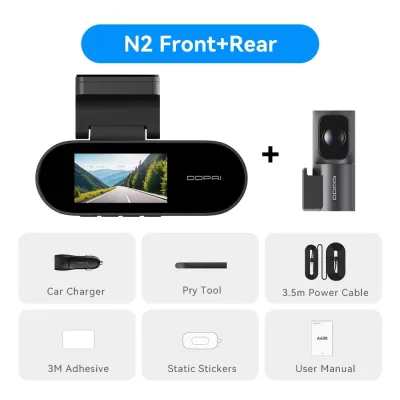
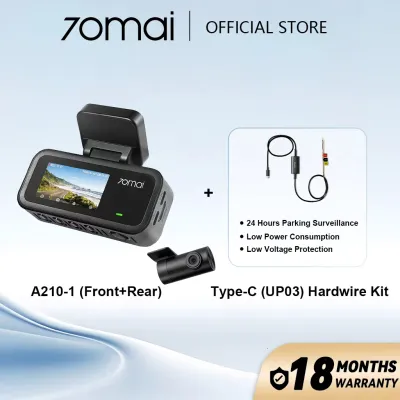
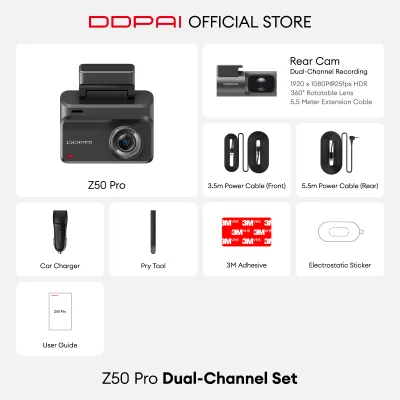

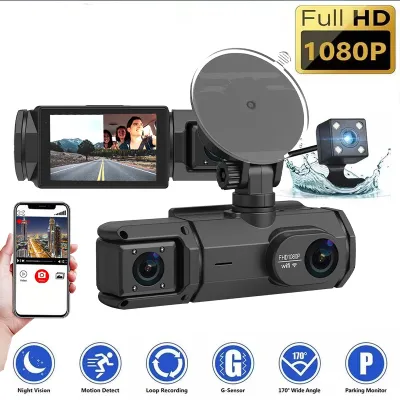
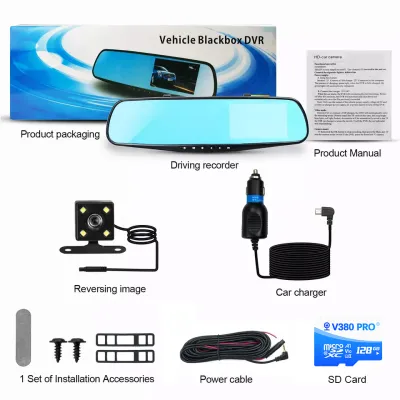
Prices are valid at publication and may change. Please refer to the product page for the latest price.
If you plan to use parking mode, which keeps the camera recording while the vehicle is stationary, you will likely need a hardwire kit connected to your car’s fuse box. Because hardwiring involves modifying your vehicle’s electrical system, it is vital to consult your vehicle’s original manual and seek qualified professional installation to prevent battery drain or electrical damage. Additionally, when parking in unshaded areas under intense midday sun, consider disabling power-intensive features or parking mode entirely to minimize internal heat generation and protect the device from thermal wear.
Resolution, Field of View, and Night Vision: Navigating Traffic and Rain
While ultra-high resolutions like 4K sound impressive, they are not always necessary and can quickly fill up your storage card. For most daily commutes in stop-and-go traffic, a reliable 1080p (Full HD) or 1440p (Quad HD) resolution provides a practical balance. These resolutions offer enough clarity to read license plates at close range without overwhelming your memory card or causing the camera’s processor to overheat from heavy data processing.

The Field of View (FOV) determines how wide of an angle your camera can capture. A wider FOV, such as 140 to 160 degrees, helps record events happening in adjacent lanes or at intersections. However, extremely wide angles can create a “fisheye” effect, which distorts the edges of the video and makes distant objects, like license plates, appear much smaller and harder to read. A balanced FOV of around 130 to 140 degrees typically offers the best compromise between side coverage and central detail.
Navigating night traffic or sudden tropical rainstorms requires excellent light management. Look for dashcams equipped with Wide Dynamic Range (WDR) or High Dynamic Range (HDR) technology. These features help the camera balance extreme light and dark areas, preventing headlight glare from washing out license plates at night and maintaining visibility when heavy rain diffuses streetlights.
Storage and Reliability: Handling Long Commutes and Sudden Weather Shifts
A dashcam is only as reliable as the storage card inside it. Because these devices continuously overwrite old footage, standard microSD cards used in smartphones or cameras will quickly degrade and fail under the constant read/write cycles. It is essential to use a dedicated high-endurance microSD card, which is specifically engineered to withstand continuous loop recording and high-heat environments.
Loop recording is the core mechanism that keeps your dashcam running without manual intervention. It divides video files into short segments, typically one to three minutes long, and automatically overwrites the oldest unprotected files when the card is full. Most dashcams feature a built-in G-sensor that detects sudden impacts or hard braking, automatically locking the current video segment to prevent it from being overwritten. Regularly formatting your memory card—ideally once a month—helps maintain its health and prevents file corruption.
Sudden temperature drops during the rainy season can also affect your camera’s lens. When warm, humid air outside meets a cool, air-conditioned cabin, condensation can form on the windshield or inside the camera lens housing. Ensuring your vehicle’s cabin ventilation is properly adjusted and keeping the windshield clean can help prevent lens fogging, ensuring your footage remains clear during sudden downpours.
Specs and Features You Can Skip to Optimize Your Budget
To get the most value out of your purchase, it helps to identify which features are unnecessary for local driving conditions. Advanced Driver Assistance Systems (ADAS), which offer lane departure warnings or forward collision alerts, are often highly frustrating in dense, chaotic traffic. The frequent lane changes and tight spacing typical of local roads will trigger constant false alarms, leading most drivers to disable the feature entirely.
Built-in LCD screens are another feature where you can easily save money. While a screen allows you to view footage directly on the device, it adds bulk, increases heat generation, and can be a visual distraction while driving. Choosing a screenless dashcam that pairs with a smartphone app via Wi-Fi is often more practical, as it allows you to adjust settings, download clips, and view footage on a larger, clearer screen.
Finally, avoid paying extra for ultra-high frame rates, such as 60 frames per second (fps) or higher, unless you have a specific need for slow-motion playback. A standard frame rate of 30 fps is perfectly adequate for capturing clear incident details and consumes significantly less storage space and processing power, keeping your camera running cooler and longer.
Frequently Asked Questions (FAQ)
Do I need a rear-facing camera for city driving?
A dual-channel setup that includes a rear-facing camera is highly beneficial for city driving, where tailgating and rear-end collisions in heavy stop-and-go traffic are common. However, keep in mind that a rear camera increases the initial cost, requires more storage space on your memory card, and involves a more complex installation process to route cables safely to the rear windshield without interfering with your vehicle’s airbags or trim.
How can I prevent the dashcam from overheating when parked?
To protect your dashcam from extreme heat when parked, try to park in shaded areas or use a reflective front windshield sunshade to block direct sunlight from hitting the camera body. You can also check your dashcam’s settings to ensure the screen-off timer is active, which reduces internal heat generation. Some advanced models also feature an automatic thermal shutdown that safely powers off the device if internal temperatures reach unsafe levels.
Community discussion
Share your experience or ask a question. Comments are reviewed before publication.