
Determining if a fast-charging car charger is compatible with your dashcam comes down to verifying three key factors: voltage matching, current headroom, and protocol negotiation. While modern fast chargers are designed to dynamically adjust their power output, a mismatch in specifications or a failure in the charger’s fallback mechanism can lead to unstable operation, constant rebooting, or even permanent hardware damage. By checking the labels on both devices and understanding how USB power negotiation works, you can safely power your camera and ensure uninterrupted recording on the road.
Understanding Your Dashcam's Power Requirements
To establish a baseline for compatibility, you must first locate and interpret the specific power input requirements of your dashcam. This information is typically printed on a small sticker on the dashcam body itself, molded into the original power adapter, or detailed in the technical specifications section of the user manual.
When reviewing these specifications, look for three critical values: voltage (measured in Volts or V), current (measured in Amperes or A), and total power (measured in Watts or W). Most standard dashcams operate on a 5V direct current (DC) input and require a current of anywhere from 1A to 2.5A, translating to a power requirement of 5W to 12.5W.
Products mentioned in this guide
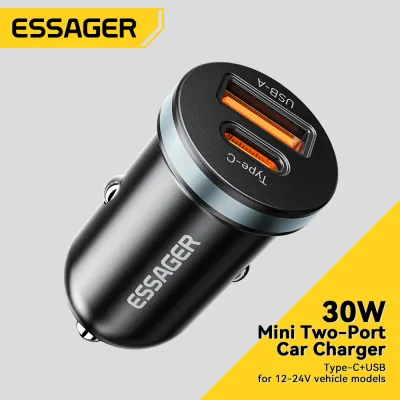
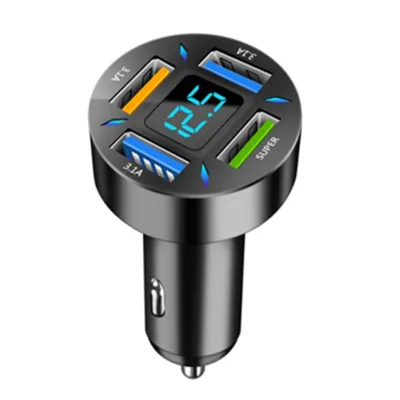
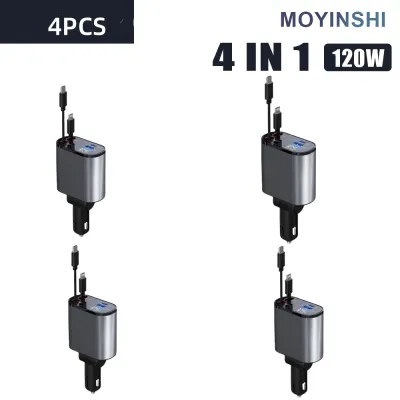
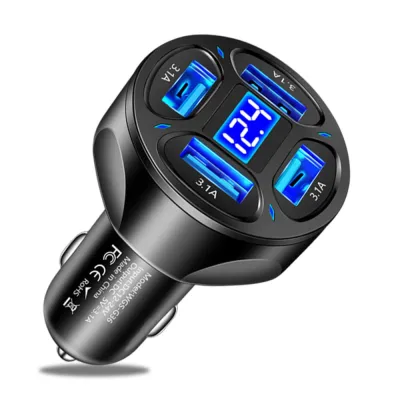
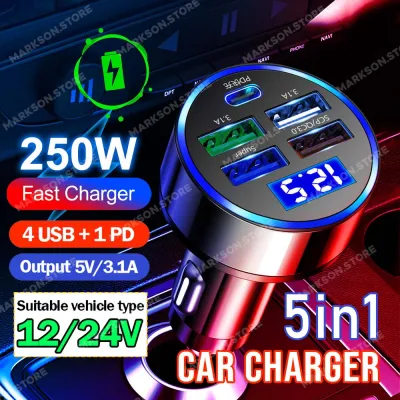
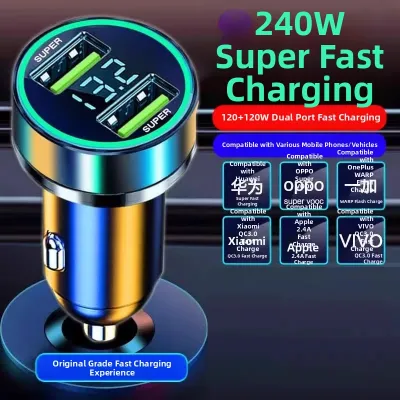
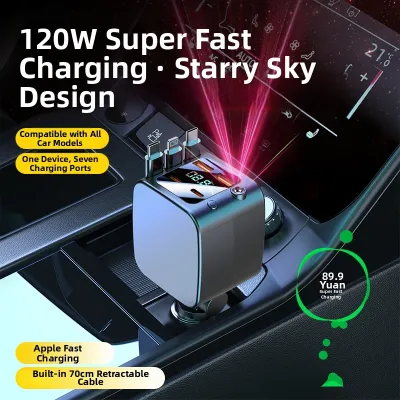
Prices are valid at publication and may change. Please refer to the product page for the latest price.
Additionally, inspect the physical connector type on the dashcam. While older models often utilize Mini-USB or Micro-USB ports, newer high-resolution or multi-channel dashcams frequently transition to USB-C interfaces. You must also determine if your specific model is designed to run solely off a standard USB port or if it requires a dedicated hardwire kit to access advanced features like parking mode.
Decoding Fast Charging Car Charger Specifications
Fast-charging car chargers are highly versatile, but you must carefully read their output parameters to understand what they can safely deliver to your dashcam. These specifications are usually laser-etched onto the charger’s casing, detailing the maximum output for each individual port as well as the total combined output when multiple devices are plugged in simultaneously.

Standard USB ports deliver a fixed 5V output, whereas fast-charging ports utilize advanced protocols like USB Power Delivery (PD) or Quick Charge (QC) to dynamically scale voltage up to 9V, 12V, 15V, or even 20V. Modern fast chargers negotiate power by communicating with the connected device; they will only supply higher voltages if the device explicitly requests it through a compatible handshake protocol.
Before purchasing a charger, you must also verify that its input voltage range is compatible with your vehicle’s cigarette lighter socket. Most passenger cars in the Philippines operate on a 12V electrical system, while larger commercial trucks use a 24V system. Ensure the charger’s input specification (typically labeled as Input: DC 12V-24V) matches your vehicle’s electrical output to prevent internal component failure.
Step-by-Step Compatibility Check
To safely pair your dashcam with a fast-charging car charger, you must perform a systematic compatibility check starting with the voltage matching principle. The charger’s output voltage must match the dashcam’s input voltage exactly—which is almost always 5V. If you plug a 5V dashcam into a fast charger, the charger must be capable of outputting a standard 5V profile; never use a charger that only outputs high voltages without a 5V fallback option.
Next, apply the current and power headroom rule. Unlike voltage, which must match exactly, the current rating of your charger is a maximum capability limit. Your dashcam will only draw the amount of current it needs to operate. Therefore, if your dashcam requires 5V/1.5A (7.5W), it is perfectly safe to plug it into a charger port capable of delivering 5V/3A (15W), as the charger provides ample headroom without forcing excess current into the camera.
Finally, verify the fast-charging protocol fallback behavior. Check your dashcam’s user manual to confirm that its internal circuitry is designed to safely handle connections to smart chargers. Reputable dashcams feature built-in protection that ignores fast-charging signals, forcing the smart charger to default to the standard, safe 5V USB power profile.
Safety Boundaries and Installation Tips
Operating electronic accessories in tropical climates like the Philippines introduces unique challenges, as high cabin temperatures and intense humidity can accelerate wear on electrical components. To prevent electrical fires or device damage, avoid using uncertified, generic car chargers that lack clear specification labels or safety certifications. These low-quality chargers often omit crucial voltage regulation and overcurrent protection circuits, exposing your dashcam to dangerous power spikes.
You must also respect your vehicle’s cigarette lighter fuse capacity. Most vehicle accessory sockets are fused at 10A or 15A, meaning the combined draw of all connected devices must not exceed this limit. If you plan to run a high-draw dashcam alongside other fast-charging mobile devices, calculate the total wattage to ensure you do not blow the vehicle’s accessory fuse.
For those opting for a hardwire installation to enable 24-hour parking monitoring, specific safety boundaries apply. Hardwiring involves tapping directly into your vehicle’s fuse box, which requires a dedicated hardwire kit equipped with an adjustable low-voltage protection module. This module automatically cuts power to the dashcam if your car battery drops below a safe threshold (such as 11.8V or 12V), preventing a dead battery.
Because electrical modifications carry inherent risks of short circuits, vehicle warranty voiding, or damage to sensitive onboard computers, always consult your vehicle’s original documentation for specific fuse box layouts and wiring restrictions. If the manufacturer’s instructions are unclear, or if you are uncomfortable working with automotive electrical systems, stop the installation immediately and seek the assistance of a qualified automotive electrician.
Frequently Asked Questions (FAQ)
Can a fast charger damage a dashcam that only supports standard charging?
Under normal operating conditions, a high-quality fast charger will not damage a standard dashcam because it defaults to a safe 5V output unless a fast-charging handshake is established. However, cheap or uncertified chargers with poor voltage regulation may fail to step down their output, sending high voltage directly to the dashcam and destroying its internal circuits.
Why does my dashcam keep restarting when plugged into a fast car charger?
This issue typically occurs when the charger port cannot supply the continuous current your dashcam requires, especially if you are sharing a multi-port charger with a smartphone. Additionally, during engine cranking, the vehicle’s system voltage momentarily drops; if your dashcam’s internal capacitor or battery is degraded by tropical heat, it won’t be able to bridge this brief power gap, causing the device to reboot.
Community discussion
Share your experience or ask a question. Comments are reviewed before publication.