
Imagine navigating through heavy traffic along EDSA, relying on your phone’s GPS map to find your destination. You look down only to realize your battery is at ten percent, even though your device has been plugged into the accessory socket for the last hour. This frustrating scenario is incredibly common when your car charger’s power output does not align with your mobile device’s requirements. To achieve the fastest possible charge, you must match the specific wattage and charging protocol of your phone or tablet to the correct output port of your car charger. Doing so ensures your device charges rapidly and safely, even while running power-hungry navigation apps under the hot tropical sun.
Understand Your Device’s Power Requirements
Before selecting a car charger, you must know how much power your device can accept. Every smartphone, tablet, and laptop has a built-in power management integrated circuit that regulates how many watts of electricity it draws. Standard charging typically operates at a basic 5W to 10W, which is barely enough to maintain your battery level while using active navigation. Fast charging utilizes higher voltages and currents to push more energy into the battery quickly, starting at 15W and reaching up to 45W or more for flagship smartphones.
To find your device’s exact power limits, consult your user manual or look at the technical specifications on the manufacturer’s website. Alternatively, examine the small print on your original wall charger. Look for the “Output” section, which lists voltage (V) and amperage (A); multiplying these two numbers gives you the wattage (for example, 9V at 3A equals 27W). Generally, standard smartphones accept 15W to 18W, modern premium flagships support 25W to 45W, and tablets or small laptops require 30W to 65W or higher to charge efficiently.
Products mentioned in this guide
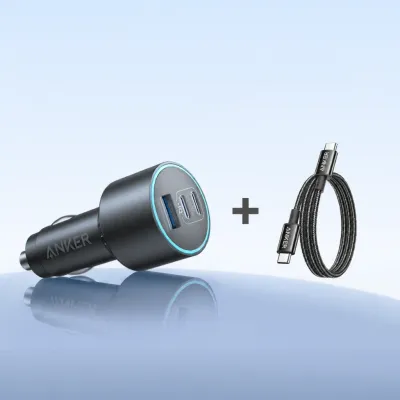
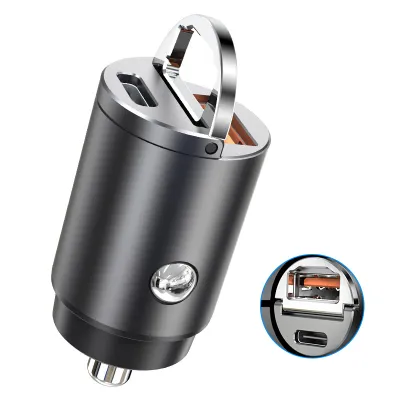
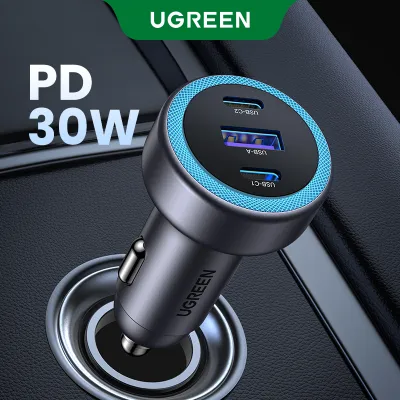
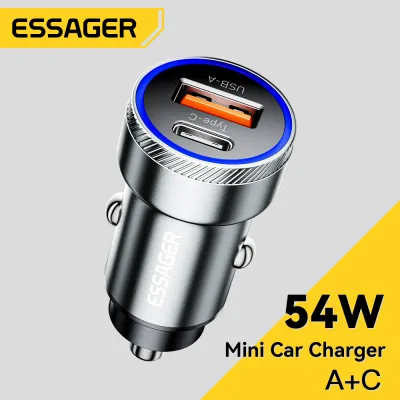
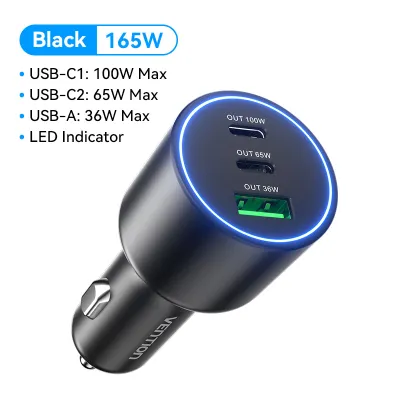
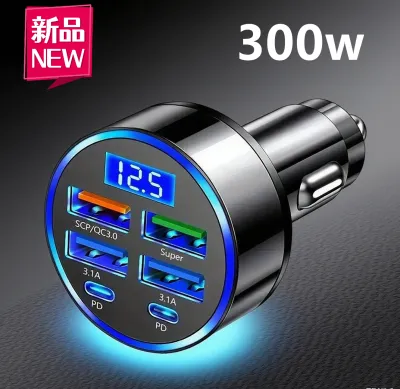
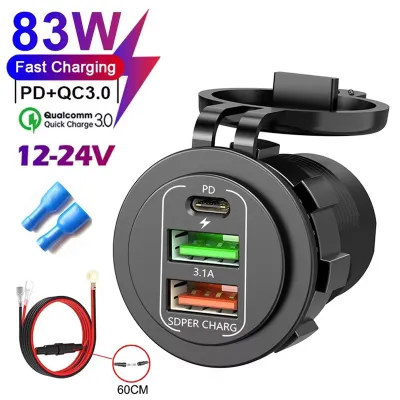
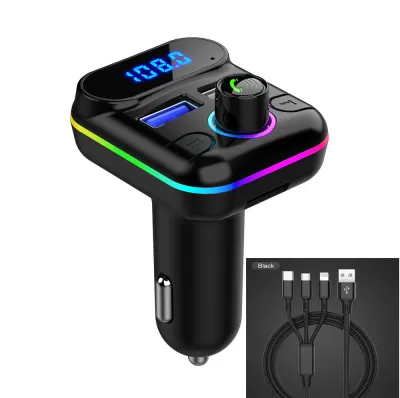
Prices are valid at publication and may change. Please refer to the product page for the latest price.
Crucially, compatibility requires matching the fast-charging protocol. The most common universal standards are USB Power Delivery (USB-PD) and Quick Charge (QC). If your phone utilizes USB-PD but your car charger only supports an older Quick Charge standard, the two devices will fail to negotiate a high-speed connection. Instead, they will fall back to a slow, standard charging speed. Both your device and the car charger must support the same protocol for fast charging to work.
Decoding Car Charger Output Specifications
Shopping for a car charger can be confusing due to misleading marketing terms. The most common trap is the “Total Wattage” label. You might see a dual-port charger advertised as a “60W Car Charger,” assuming it will easily power a 45W tablet. However, that 60W rating is often the sum of both ports combined—such as two ports splitting the power evenly at 30W each, or a 45W main port paired with a 15W secondary port. If you plug your tablet into a port capped at 30W, you will not achieve the maximum charging speed, despite the “60W” label on the box.

To avoid this, always check the “Max Single-Port Wattage” in the product specifications. This tells you the maximum power a single USB port can deliver on its own. Furthermore, the type of port matters significantly. Traditional USB-A ports are typically limited to older standards and lower power outputs, rarely exceeding 18W. In contrast, USB-C ports are designed to handle modern high-wattage protocols like USB-PD, making them essential if you want to charge newer devices at their maximum speeds.
You also need to understand how multi-port chargers distribute power when multiple devices are connected simultaneously. Some chargers use a “fixed split,” where plugging in a second device immediately slashes the power of the first port to a pre-determined lower level. Higher-end chargers feature “dynamic smart distribution,” which intelligently assesses the power needs of each connected device and allocates the available wattage dynamically. Understanding these specifications ensures you select a charger that can handle your entire dashboard setup without compromising on speed.
The Matching Formula: Pairing Charger and Device
Selecting the right car charger involves matching your primary device’s needs with the charger’s capabilities. Let us break down the formulas for different device types.
Matching for Smartphones
To get the fastest charge for your smartphone, match the charger’s single-port output directly to your phone’s maximum input rating. If your phone supports 25W fast charging, you should look for a car charger with a USB-C port that offers at least 25W of USB-PD output.
It is a common misconception that using a charger with a higher wattage than your phone requires will damage the battery. In reality, your phone’s internal charging circuitry acts as a gatekeeper, drawing only the maximum current it is designed to handle. Plugging a 25W phone into a 65W car charger is completely safe; the phone will simply draw 25W, leaving the remaining capacity unused.
Make sure to pay attention to proprietary protocols if you use certain Android brands. Some manufacturers use custom fast-charging standards that require specific voltage steps. While a standard USB-PD charger will still charge these phones safely, you may need a charger that supports Programmable Power Supply (PPS) to unlock the absolute fastest charging speeds.
Matching for Tablets and Laptops
Tablets and laptops have significantly larger batteries and higher power demands than smartphones. To charge a tablet while running intensive tasks—such as displaying real-time navigation maps with maximum screen brightness—you will need a charger with a single-port output of at least 30W to 45W. For laptops, this requirement often jumps to 65W or higher.
For these larger devices, a USB-C port equipped with USB Power Delivery is mandatory. Standard USB-A ports simply cannot negotiate the high voltages required to charge a laptop. Attempting to charge a laptop or a large tablet with an underpowered USB-A port will result in extremely slow charging, or worse, “net battery drain,” where the device consumes power faster than the charger can supply it, causing the battery percentage to drop even while plugged in.
Overlooked Bottlenecks and Safety Boundaries
Even if you pair the perfect charger with your device, secondary factors can still limit your charging speed. The most common bottleneck is the charging cable. A high-wattage USB-C car charger cannot deliver 60W of power if you are using a cheap, low-rated cable. Standard USB-C cables are often only rated for 3 amps of current, which limits power delivery to 60W at 20V. For devices requiring higher currents, you must use a certified 5A-rated cable equipped with an E-marker chip to safely negotiate and carry the higher current.
Thermal management is another critical factor, especially in tropical climates like the Philippines. High ambient temperatures inside a car, combined with direct sunlight hitting your dashboard-mounted phone, will cause your device to heat up rapidly. To protect the battery from heat damage, your phone’s software will automatically throttle the charging speed, sometimes dropping it to a crawl. To maintain fast charging speeds, try to mount your phone near an air conditioning vent to keep it cool while charging on hot days.
Finally, prioritize electrical safety. Before purchasing a high-output multi-port charger, consult your vehicle’s owner’s manual to verify the maximum power rating of your 12V accessory socket or cigarette lighter outlet. Most vehicles limit this socket to 120W (12V at 10A) or 180W (12V at 15A). Exceeding this limit by plugging in too many high-draw devices can blow the vehicle’s accessory fuse. Always choose reputable, certified brands that feature built-in safety protections against overcurrent, overvoltage, short-circuits, and overheating. High-quality car chargers in the Philippines generally range from ₱500 to ₱1,500, making them a worthwhile investment to protect your expensive mobile devices. Avoid unbranded, extremely cheap chargers, as they often lack these critical safeguards and can pose a risk to your vehicle’s electrical system.
Frequently Asked Questions (FAQ)
Will a higher wattage car charger damage my phone's battery?
No, a higher wattage car charger will not damage your phone’s battery. Modern smartphones are designed with smart charging circuits that actively pull only the amount of power they can safely handle. The wattage rating listed on a car charger represents its maximum potential output, not a constant force pushed into your device. As long as you use a high-quality charger from a reputable manufacturer with proper safety certifications, using a 45W or 65W charger on a phone that only requires 18W is perfectly safe and highly efficient.
Why is my phone charging slowly even with a high-wattage car charger?
Slow charging on a high-wattage charger usually happens due to a bottleneck in the charging chain. Common culprits include using a damaged or low-rated cable that cannot carry high currents, or a mismatch in fast-charging protocols between your phone and the charger. Additionally, if you plug multiple devices into the charger, it may split the total power, reducing the output of your main port. Lastly, high ambient temperatures in your vehicle can trigger thermal throttling, causing your phone to slow down its charging rate to prevent overheating.
Community discussion
Share your experience or ask a question. Comments are reviewed before publication.