
Finding the right car charger fast charging setup for your smartphone in the Philippines requires matching your device’s specific fast charging protocol and maximum wattage to the output capabilities of the charger’s individual ports. To do this, you must identify whether your phone uses USB Power Delivery (PD) or Quick Charge (QC), determine its maximum supported wattage, and select a car charger that can deliver those exact specifications through a single port. Doing so ensures your phone charges at its optimal speed during your daily commute or long road trips, even when navigating heavy traffic under the tropical heat.
Identify Your Smartphone's Fast Charging Protocol and Wattage
To determine what your phone needs, start by checking the official specifications provided by the manufacturer. This information is typically found in the user manual or on the official product support page online. Look specifically for terms like “USB Power Delivery,” “Quick Charge,” or proprietary names like “SuperVOOC,” “FlashCharge,” or “SuperCharge.”
If you no longer have the manual, inspect the original wall charger that came with your phone. Examine the fine print on the power adapter. You will see output ratings listed in volts (V) and amperes (A). To calculate the wattage, multiply the voltage by the amperage (for example, 9V multiplied by 2A equals 18W). Many modern adapters also explicitly print the maximum wattage, such as “25W” or “45W,” directly on the casing.
Products mentioned in this guide
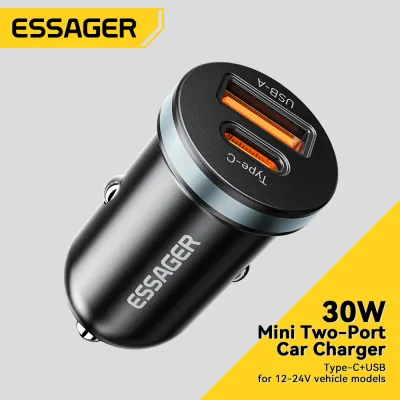
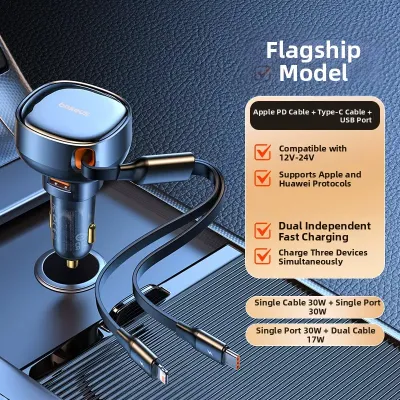
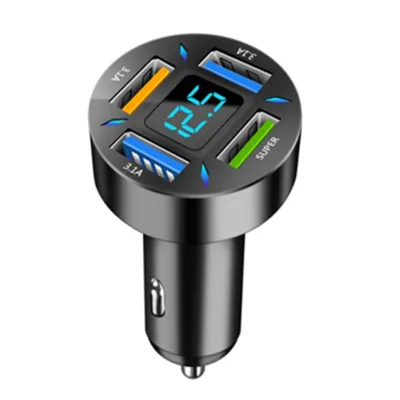
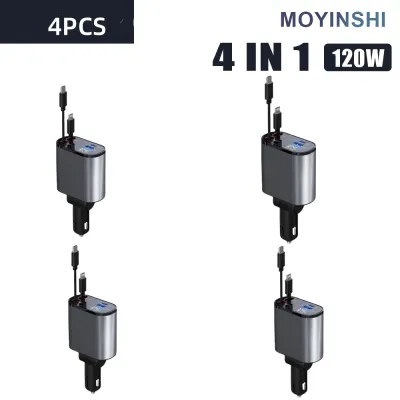
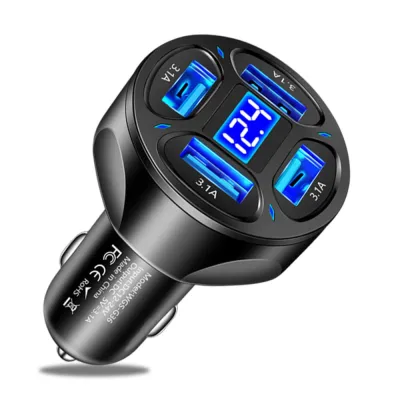
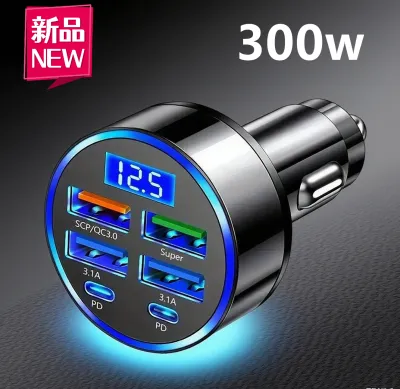
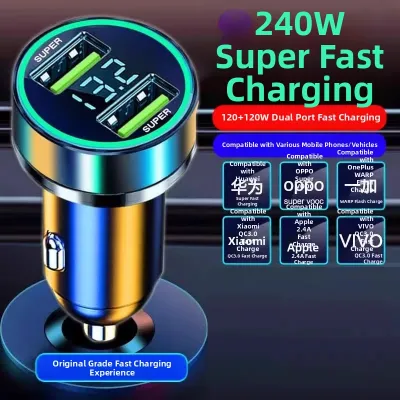
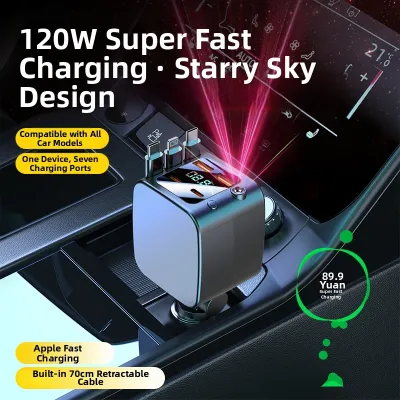
Prices are valid at publication and may change. Please refer to the product page for the latest price.
It is crucial to distinguish between universal standards and proprietary brand-specific technologies. Universal standards like USB Power Delivery (PD) and Qualcomm Quick Charge (QC) are widely supported by third-party car chargers. Proprietary standards, often used by brands like Oppo, Vivo, OnePlus, and Huawei, require specialized circuitry. If you connect a phone with a proprietary fast-charging standard to a standard PD or QC car charger, the phone will typically fall back to a slower, safer charging speed (often 10W to 18W) unless the car charger explicitly states compatibility with that specific proprietary protocol.
Understand the Differences Between PD and QC Standards
USB Power Delivery (PD) is a universal protocol designed to deliver high power over USB-C connections. It is the standard used by Apple, Google, and modern Samsung devices. PD relies on a dynamic negotiation process where the phone and the charger communicate to determine the optimal voltage and current levels. Because it requires a USB-C connection, it can handle significantly higher wattages, making it suitable for charging not just phones, but also tablets and laptops.

Quick Charge (QC), developed by Qualcomm, is another widely used protocol found in many Android devices. While older versions of Quick Charge operated primarily over traditional USB-A ports, newer versions (such as QC 4 and QC 5) are designed to be cross-compatible with USB PD. QC works by stepping up the voltage in small increments to find the most efficient charging rate for the device’s battery state.
Both standards rely on intelligent power negotiation to prevent damage. When you plug your phone into a compatible car charger, the chips in the phone and the charger handshake to agree on a safe power profile. If the protocol does not match, the system defaults to a standard, low-power charging rate (usually 5V at 1A or 2A) to prevent overloading the battery or causing excessive heat.
Match Car Charger Output Ports to Your Phone's Requirements
Once you know your phone’s protocol and wattage, you must carefully read the specifications of any car charger you intend to buy. Do not rely solely on the total wattage advertised on the packaging. A charger labeled as “95W” often represents the combined maximum output of all its ports (for example, a 65W USB-C port plus a 30W USB-A port). If your phone requires a 45W PD input, a multi-port charger that only provides a maximum of 30W on its primary USB-C port will not charge your phone at its full speed.
Look for the detailed port breakdown printed on the side of the car charger or in its product manual. Ensure that at least one individual port matches or exceeds the specific wattage and protocol your phone requires. For instance, if you have a phone that supports 25W PD, you need a car charger with a USB-C port that explicitly outputs at least 25W under the PD protocol.
Additionally, the charging cable is a critical link in the power delivery chain. A high-wattage car charger cannot fast charge your phone if the cable cannot handle the current. For USB PD charging above 60W, you must use a USB-C to USB-C cable equipped with an e-marker chip rated for 5A. For lower wattages, ensure you are using a high-quality, undamaged cable certified by the manufacturer or a reputable third-party standard to guarantee stable power transmission and prevent connection drops.
Safety Boundaries and Compatibility Checks in the Car
Before plugging a high-wattage car charger into your vehicle’s accessory socket, you must verify the vehicle’s electrical limits. Consult your vehicle’s owner’s manual to find the fuse rating and maximum power limit for the accessory socket. Most passenger vehicles support a maximum of 120W to 180W (typically fused at 10A or 15A on a 12V system). Exceeding this limit by plugging in multiple high-draw devices via splitters can blow the vehicle’s fuse or damage the accessory socket wiring.
Operating electronics in tropical climates like the Philippines introduces additional thermal stress. High cabin temperatures can cause both the car charger and your smartphone to heat up rapidly. If the charger plug or the vehicle socket feels excessively hot to the touch, or if you notice a burning plastic smell, disconnect the charger immediately. Always ensure the charger fits snugly in the socket; a loose connection can cause electrical arcing, which generates intense localized heat and can damage your car’s interior trim or electrical contacts.
To maintain safety, avoid using cheap, unbranded multi-port splitters or damaged charging cables with exposed wires. If you are unsure about your vehicle’s electrical health or if the accessory socket behaves inconsistently, have the system inspected by a qualified automotive technician before using high-wattage charging accessories.
Frequently Asked Questions (FAQ)
Can I use a higher wattage car charger than my phone requires?
Yes, you can safely use a higher wattage car charger. Modern smartphones are designed to control the amount of power they draw. During the initial connection, the phone negotiates with the charger and will only request the maximum wattage it is built to handle. For example, if you plug a phone that only supports 18W charging into a 65W USB PD car charger, the phone will safely charge at 18W without any risk of damaging the battery.
Why is my phone charging slowly even with a fast car charger?
Slow charging can occur due to several common bottlenecks. First, ensure you are using the correct port on the car charger, as multi-port chargers often have only one port dedicated to high-speed fast charging. Second, verify that your cable supports fast charging and is not damaged. Finally, high ambient temperatures inside a car in the Philippines can trigger thermal throttling, causing your phone to automatically slow down its charging speed to protect the battery from overheating. Closing heavy background apps like GPS navigation can also help reduce heat and improve charging speeds.
Community discussion
Share your experience or ask a question. Comments are reviewed before publication.