
The choice between a wireless CarPlay adapter and a Bluetooth receiver depends entirely on your car’s existing infotainment system and your specific driving needs. If your vehicle already features a factory-installed wired Apple CarPlay system and you want to eliminate physical cables, a wireless CarPlay adapter is the ideal upgrade. It preserves the full, interactive dashboard interface on your car’s screen. Conversely, if your vehicle lacks CarPlay entirely and you only need to stream music or handle hands-free calls through your car speakers, a Bluetooth receiver or FM transmitter is the most practical solution.
In tropical climates like the Philippines, where daily commutes through heavy city traffic require constant navigation updates via apps like Waze or Google Maps, having a reliable smartphone connection is essential. Understanding how these two technologies operate, what they require from your vehicle’s hardware, and how they impact your daily drive will ensure you select the accessory that seamlessly integrates into your dashboard.
Core Differences in Connectivity and Functionality
To make an informed decision, you must first understand that these two devices serve fundamentally different purposes and operate on entirely different technical levels. A wireless CarPlay adapter is not a standalone infotainment system, nor can it add Apple CarPlay to an unsupported car. Instead, it acts as a wireless bridge, plugging directly into the specific USB port designated for wired CarPlay and using Wi-Fi and Bluetooth to establish a high-bandwidth connection with your iPhone.
Products mentioned in this guide
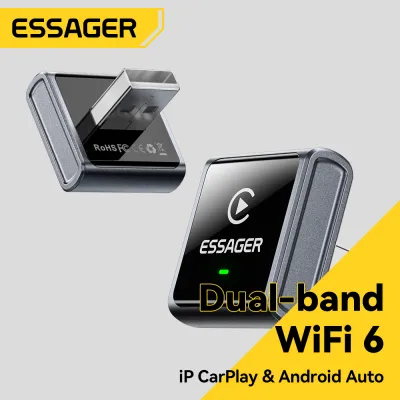
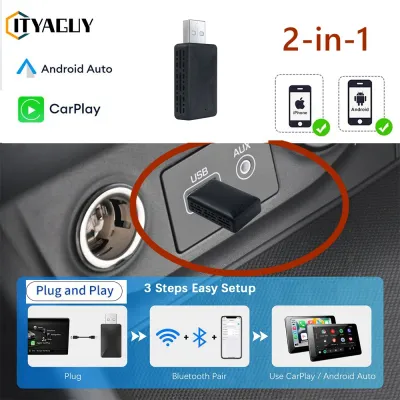
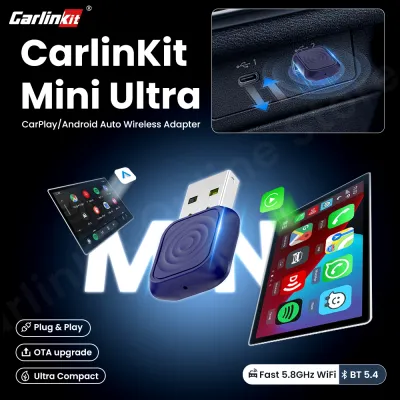
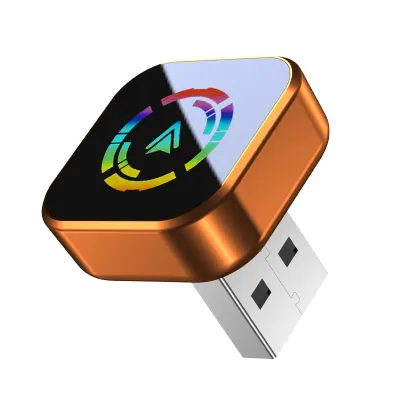
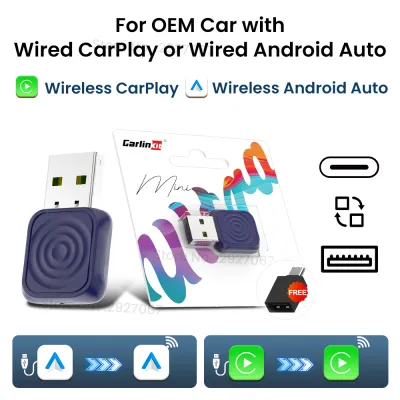
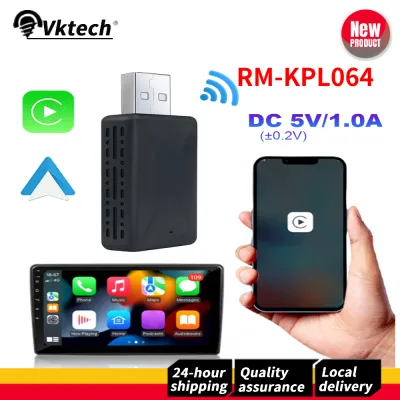
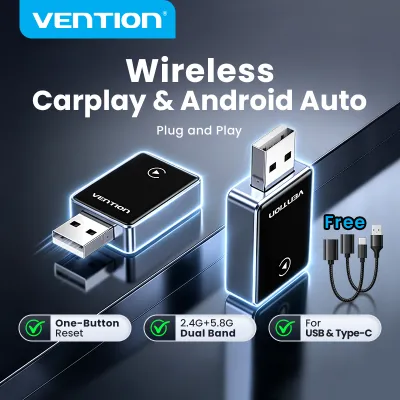
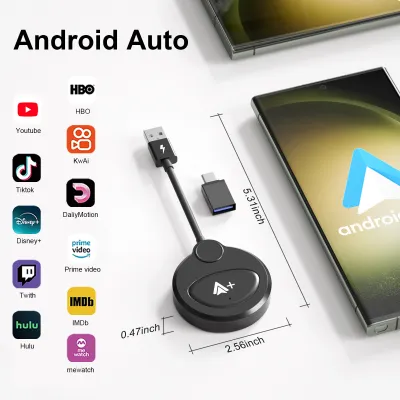
Prices are valid at publication and may change. Please refer to the product page for the latest price.
Because a wireless CarPlay adapter relies on this high-bandwidth Wi-Fi connection, it can transmit complex data rapidly. This allows the device to project a complete, interactive user interface onto your car’s dashboard screen. You get real-time map rendering, interactive touch controls, app menus, and album art updated instantaneously while your phone remains in your pocket.
In contrast, a Bluetooth receiver is a straightforward audio bridge designed to bring basic wireless sound to older or more basic car stereos. It does not communicate with your car’s screen or dashboard interface. Instead, it receives a standard stereo audio signal from your phone via Bluetooth and outputs it to your car’s audio system through a physical auxiliary (AUX) cable or, in the case of an FM transmitter, via a vacant radio frequency.
This means a Bluetooth receiver is strictly limited to audio transmission. It cannot display maps, mirror your phone’s screen, or allow you to interact with mobile apps using your car’s built-in touchscreen. Your phone’s screen remains the sole visual interface for navigation and music selection, requiring you to mount your phone securely on the dashboard if you need to view maps while driving.
Feature and Usability Comparison
When evaluating the daily driving experience, screen integration is the most significant differentiator. With a wireless CarPlay adapter, your navigation apps, messaging platforms, and music libraries are displayed directly on your vehicle’s built-in screen. This layout is optimized for driving, featuring large, easy-to-tap icons and a split-screen view that shows your route alongside your current media, minimizing distractions.

Using a Bluetooth receiver, however, forces you to rely entirely on your smartphone’s physical screen. In intense tropical sunlight, a phone mounted on the dashboard can suffer from severe glare, making it difficult to read maps. Furthermore, prolonged exposure to direct sunlight through the windshield can cause your smartphone to overheat rapidly, leading to screen dimming or sudden thermal shutdowns during your commute.
Audio quality also varies based on the connection protocol. Wireless CarPlay adapters utilize a local Wi-Fi connection to transmit audio data. This high-bandwidth connection supports lossless or high-bitrate audio streaming, ensuring that your music sounds crisp and full-bodied, provided your car’s native speaker system is of decent quality.
Bluetooth receivers are bound by the limitations of standard Bluetooth audio codecs. While modern codecs offer respectable sound quality, the audio is compressed during transmission. If you are using an FM transmitter, you may also encounter static or signal drift, especially when driving through densely populated urban areas with crowded radio airwaves.
Control integration is another crucial usability factor. A wireless CarPlay adapter typically retains full compatibility with your vehicle’s factory steering wheel controls, rotary dials, and dashboard buttons. You can skip tracks, adjust the volume, or activate voice commands using the physical buttons you are already accustomed to.
With a basic Bluetooth receiver, steering wheel control integration is often non-existent or highly limited. While some premium receivers feature small physical buttons on the dongle itself for skipping tracks, you will generally need to interact directly with your phone to control your media. Additionally, hands-free calling through a Bluetooth receiver relies on either the receiver’s built-in microphone or your phone’s microphone, which may not capture your voice as clearly as your car’s factory-installed microphone system.
Vehicle Compatibility and Installation Checks
Before purchasing either device, performing a thorough compatibility check of your vehicle’s existing hardware is essential. To use a wireless CarPlay adapter, your vehicle must have a factory-installed or compatible aftermarket head unit that already supports wired Apple CarPlay. You can verify this by checking your car’s owner’s manual, looking for a smartphone or CarPlay icon next to your dashboard USB ports, or plugging your iPhone directly into the USB port with a certified Lightning or USB-C cable to see if the CarPlay interface launches automatically.
If your car does not have wired CarPlay functionality built into its system, a wireless CarPlay adapter will not work. In this scenario, a Bluetooth receiver is the appropriate choice, but you must still verify how it will connect to your car’s audio system. Most standard Bluetooth receivers require a 3.5mm auxiliary (AUX) input port to feed audio into the car stereo, along with a nearby USB port or a 12V cigarette lighter socket to draw power.
If your car stereo lacks both wired CarPlay and an AUX input, your remaining option is an FM transmitter. This device plugs into your car’s 12V accessory socket, connects to your phone via Bluetooth, and broadcasts the audio over a vacant FM radio frequency. While highly compatible with older vehicles, this method is susceptible to audio interference and static.
Physical space and cabin layout are also important installation considerations. Wireless CarPlay adapters are typically small, lightweight dongles that dangle from a USB port. You should check the physical space around your center console to ensure the adapter does not block storage compartments, cup holders, or physical climate control buttons. High cabin humidity can also affect the longevity of adhesive mounts, so securing the adapter neatly with cable clips can help prevent it from dangling loosely or disconnecting during sudden stops on uneven road surfaces.
For Bluetooth receivers, cable management is equally important. Because these devices often require both an AUX connection and a USB power source, you may end up with multiple dangling wires across your dashboard. Ensure that these cables are routed safely away from your gear shifter, handbrake, and steering column to maintain safe vehicle operation at all times.
Decision Framework: Choosing the Right Upgrade
To make your final decision, you should evaluate your vehicle’s current specifications alongside your personal driving habits and budget. Choose a wireless CarPlay adapter if your vehicle is already equipped with factory wired CarPlay, and your primary goal is convenience. This option is perfect for drivers who make frequent, short trips and want their navigation and music to load automatically on the dashboard screen without the wear and tear of constantly plugging and unplugging a cable.
Opt for a Bluetooth receiver if your vehicle lacks CarPlay entirely and you do not wish to invest in an expensive aftermarket head unit replacement. While a full head unit replacement can cost upwards of ₱10,000, a simple Bluetooth receiver is a highly budget-friendly alternative. This is the most practical solution for older vehicles, providing a simple, reliable way to stream audio and handle calls through your car’s speakers. It is also highly suitable for drivers who prefer to keep their phone mounted on a dashboard cradle and do not require a secondary screen interface.
If your vehicle features an aftermarket head unit installed by a previous owner, proceed with caution. Compatibility for wireless CarPlay adapters on aftermarket screens can be highly dependent on the specific brand, model, and firmware version of the head unit. Before purchasing an adapter, consult the manufacturer’s documentation or contact a qualified car audio professional to verify that the adapter is compatible with your specific aftermarket setup.
Regardless of which device you choose, always prioritize road safety. Ensure that any installation does not obstruct your view of the road or interfere with the deployment of your vehicle’s airbags. Set up your device, pair your phone, and configure your navigation routes before you begin driving, allowing you to keep your focus entirely on the road ahead.
Frequently Asked Questions (FAQ)
Can I use a wireless CarPlay adapter in a car that only has standard Bluetooth?
No, you cannot use a wireless CarPlay adapter in a vehicle that only features standard Bluetooth connectivity. These adapters do not add CarPlay functionality to a car; they merely convert an existing wired CarPlay connection into a wireless one. Your vehicle’s head unit must have the physical hardware and software required to run wired CarPlay through a USB port for the adapter to function.
Will a Bluetooth receiver drain my car battery when the engine is off?
Whether a Bluetooth receiver drains your battery depends entirely on how your vehicle’s accessory ports are wired. In many vehicles, the 12V cigarette lighter socket and USB ports turn off automatically when the ignition is switched off or when the driver’s door is opened. However, some cars keep these ports powered constantly. If your ports remain active when the engine is off, a plugged-in receiver will continue to draw power and could eventually drain your battery; in such cases, you should unplug the device when parking or consult a professional to install a hardwire kit with low-voltage protection.
Do these adapters introduce audio delay during video playback or calls?
Some degree of audio latency is inherent to all wireless transmission protocols. Wireless CarPlay adapters generally manage this delay effectively during navigation and music playback, though you may notice a slight lag of one to two seconds when skipping tracks or during phone calls. For pure Bluetooth receivers, the delay can vary widely depending on the specific Bluetooth codec supported by both your phone and the receiver, with older codecs occasionally causing noticeable audio-video sync issues if you are watching videos while parked.
Community discussion
Share your experience or ask a question. Comments are reviewed before publication.