
The technical specifications printed on your car charger socket outlet and the adapters you plug into it determine how quickly and safely your devices charge on the road. In tropical climates like the Philippines, where cabin temperatures can rise rapidly under the sun, understanding these electrical ratings is crucial. Choosing the wrong accessory or overloading your socket can lead to blown fuses, slow charging, or excessive heat buildup that risks damaging your vehicle’s sensitive electronics.
By learning to decode voltage, amperage, and fast-charging protocols, you can maximize your charging speeds while keeping your vehicle’s electrical system completely safe. This guide breaks down exactly what these numbers mean and how to choose the right setup for your daily drive.
Understanding Voltage and Amperage Basics
Every car charger socket outlet operates on two distinct electrical levels: the input power supplied by your vehicle and the output power delivered to your devices. To determine the baseline power your system can safely handle, you must first look at your vehicle’s primary electrical system. Most standard passenger cars, sedans, and compact SUVs utilize a 12-volt (12V) direct current (DC) system, whereas larger commercial trucks, buses, and some heavy-duty off-road vehicles operate on a 24-volt (24V) system. You can verify your vehicle’s specific system voltage by checking the label inside the glovebox, on the socket cover itself, or within your owner’s manual.
Products mentioned in this guide
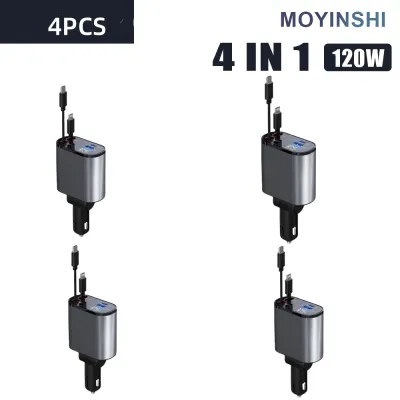
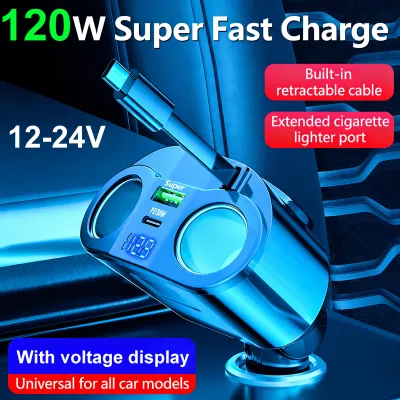
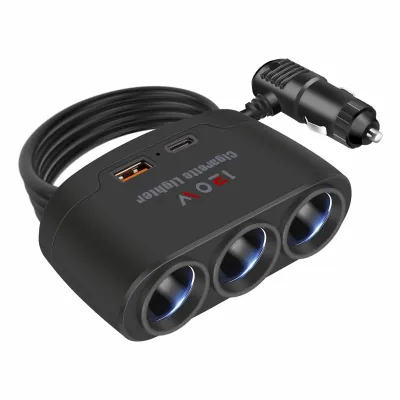

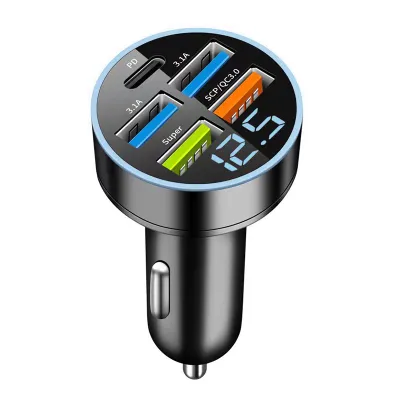
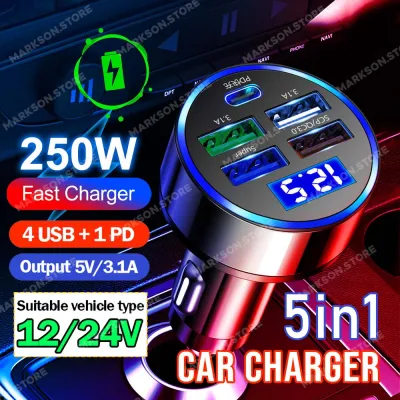
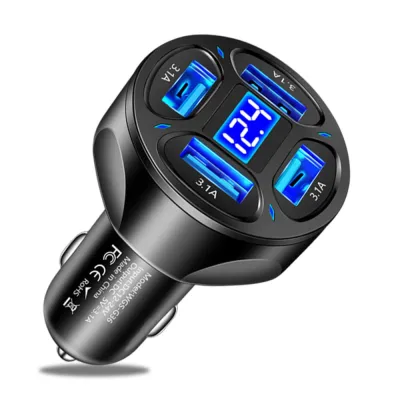
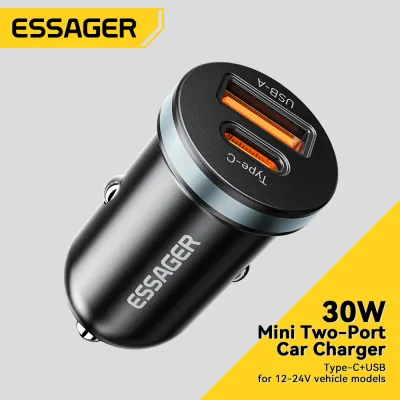
Prices are valid at publication and may change. Please refer to the product page for the latest price.
Once power enters a charger adapter plugged into the socket, the adapter steps down that 12V or 24V input to a lower output voltage suitable for mobile devices, typically starting at 5 volts (5V). Amperage, measured in amperes (A), represents the volume of electrical current flowing to your device. To calculate the total charging speed in watts (W), you simply multiply the voltage by the amperage (V × A = W). For example, a standard legacy USB port delivering 5V at 2.4A provides a total output of 12 watts.
Before plugging in high-draw aftermarket multi-port adapters, you must verify the rating of your vehicle’s built-in accessory fuse. Most standard 12V auxiliary sockets (commonly known as cigarette lighter sockets) are protected by a 10-amp (10A) or 15-amp (15A) fuse. At 12V, a socket with a 10A fuse has a maximum safe power threshold of 120W. Exceeding this limit by connecting multiple high-power devices simultaneously can instantly pop the fuse, disabling the socket until you replace the fuse in your vehicle’s fuse box.
Fast Charging Protocols: USB-C Power Delivery and Quick Charge
Modern smartphones, tablets, and laptops require more than standard 5V power to charge quickly. To achieve rapid charging speeds, modern accessories rely on specialized communication protocols that negotiate higher voltages and currents between the charger and the device.

USB-C Power Delivery (PD) is the prevailing open standard for high-speed charging. Unlike older USB ports, a USB-C PD port dynamically communicates with your device to safely scale up the voltage—often shifting from 5V up to 9V, 15V, or even 20V depending on what the device can handle. This protocol is essential if you plan to charge power-hungry devices like modern tablets, laptops, or fast-charge compatible smartphones on your commute.
Quick Charge (QC) is another widely used proprietary protocol developed by Qualcomm. While older versions of Quick Charge operated over traditional USB-A ports, newer iterations work alongside USB-C. Quick Charge similarly adjusts voltage and current dynamically, but it requires a compatible processor inside your mobile device to unlock its maximum speed potential.
To successfully activate fast charging, you must satisfy the three-way match rule. Fast charging will only work if the car socket’s power limit, the charger adapter’s supported protocol (such as PD or QC), and the device’s receiving capability are all fully aligned. If you use a high-end USB-C PD cable but plug it into an old adapter that only supports standard 5V/1A output, your device will default to the slowest charging speed.
Verifying Your Vehicle's Built-in Charging Capabilities
Before purchasing any aftermarket accessories, take a close look at the factory-installed ports already present in your vehicle. Manufacturers print specifications directly on or near the ports, often using small symbols or text molded into the plastic. A port labeled with a simple battery or lightning bolt icon is typically dedicated to charging, while a port labeled with a standard USB symbol or a phone icon is often wired directly to the infotainment system.
Built-in USB ports designed for data transfer usually deliver very low amperage, often capped at 0.5A or 1.0A. While these ports are perfect for running wired Apple CarPlay or Android Auto, they charge modern smartphones incredibly slowly and may even fail to keep up with your battery drain if you are running a GPS navigation app. Dedicated charging-only ports, on the other hand, generally offer higher amperage ratings, such as 2.1A or 2.4A.
If your daily commute involves short trips and your built-in ports cannot charge your phone fast enough, it is time to invest in a dedicated 12V socket charger adapter. Relying on a high-quality adapter plugged into your vehicle’s auxiliary 12V socket bypasses the limitations of low-amperage factory USB ports, giving you access to dedicated fast-charging protocols.
Selecting a Safe and Compatible Aftermarket Charger Adapter
When shopping for an aftermarket car charger adapter on online marketplaces or at local automotive supply shops, safety and compatibility should be your primary focus. Always verify your vehicle’s specific model year, socket dimensions, and mounting clearance in your owner’s manual before purchasing to ensure a secure, flush fit that will not interfere with your gear shifter or console controls.
Use this checklist to select a safe and reliable adapter:
- Input Voltage Range: Ensure the adapter's input specification matches your vehicle's system. Look for adapters labeled with a wide input range, such as "12V-24V DC," which allows them to operate safely in both passenger cars and larger trucks.
- Certified Safety Protections: Verify that the product specifications explicitly list built-in protections against overcurrent, overvoltage, short-circuits, and overheating. In hot, humid climates, thermal shutdown protection is vital to prevent the adapter from melting or damaging your dashboard.
- Independent Port Outputs: Check the fine print on the adapter to ensure that the advertised wattage is not shared across all ports. A high-quality dual-port charger should list independent ratings for each port (for example, "USB-C: 30W, USB-A: 18W") rather than a single combined maximum.
Avoid daisy-chaining multiple splitters or multi-socket adapters into a single 12V outlet. Doing so increases electrical resistance, generates excessive heat, and can easily overload your vehicle’s accessory circuit. Investing ₱400 to ₱1,200 in a certified, brand-name adapter is a small price to pay to protect your vehicle’s wiring and your expensive mobile devices.
Frequently Asked Questions (FAQ)
Can I use a 24V car charger in a standard 12V vehicle socket?
You must check the physical label on the charger adapter before plugging it in. Most modern car charger adapters are designed with wide-range input circuitry that automatically supports both 12V and 24V systems. However, if an adapter is strictly rated for 24V input only, it will not function correctly in a standard 12V passenger vehicle socket because the lower voltage is insufficient to power the internal step-down converter.
Why is my phone charging slowly even with a fast car charger?
Slow charging is usually caused by a bottleneck in your charging chain. First, ensure you are not using a low-quality or damaged charging cable, as cables must be rated to handle high wattage and data transfer to negotiate fast-charging protocols. Second, verify that you have plugged your cable into the correct high-output port on the adapter, as multi-port chargers often have one fast-charging port and one standard-speed port.
Will a high-amperage car charger damage my phone's battery?
No, a high-amperage charger will not damage your phone’s battery. Modern smartphones are engineered with sophisticated internal charge controllers that pull only the specific amount of current they need from the power source. However, using uncertified, low-quality adapters that lack proper voltage regulation can expose your phone to dangerous voltage spikes or excessive heat, which will degrade your battery over time.

Community discussion
Share your experience or ask a question. Comments are reviewed before publication.