
Choosing a compatible car charger for your iPhone requires matching your specific phone model’s physical port and power requirements with your vehicle’s electrical output. Because modern iPhones feature built-in power regulation, selecting a charger is straightforward once you understand the physical and electrical specifications of both your device and your car. By verifying your phone’s connector type and checking your vehicle’s accessory socket, you can ensure safe, efficient charging on every drive.
Identify Your iPhone's Charging Port and Power Needs
To select the correct cable and charger combination, you must first identify the physical charging port on your iPhone. Older models, up to and including the iPhone 14 series, utilize the proprietary, rounded Lightning port. Beginning with the iPhone 15 series, devices transitioned to the universally standard, oval-shaped USB-C port. Inspecting the bottom of your device will immediately clarify which connector type you need to establish a secure physical connection.
Next, verify your specific iPhone model’s maximum supported charging speed by consulting the manufacturer’s official technical specifications. While older models may only support up to 18W or 20W, newer models can utilize higher wattages for rapid charging. Knowing this limit helps you select a charger that can deliver the maximum supported speed.
Products mentioned in this guide
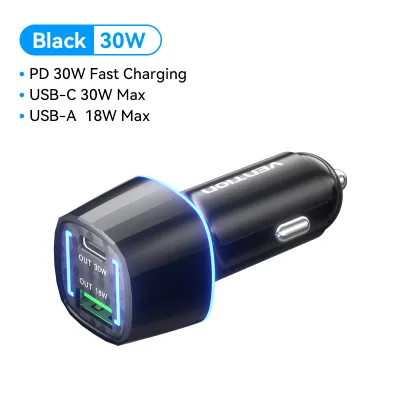
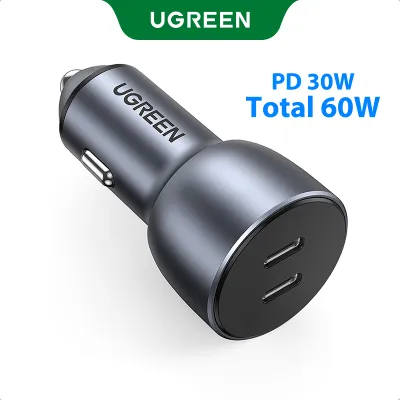
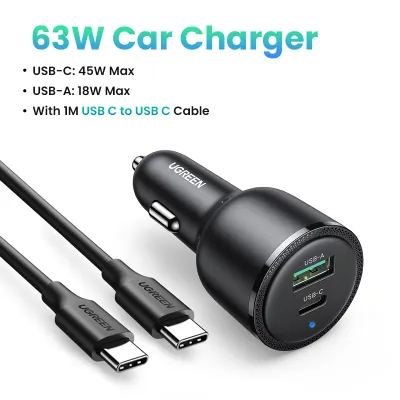
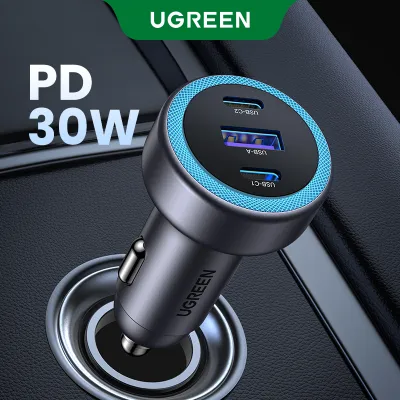
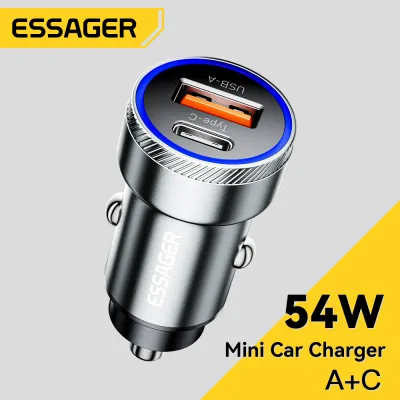
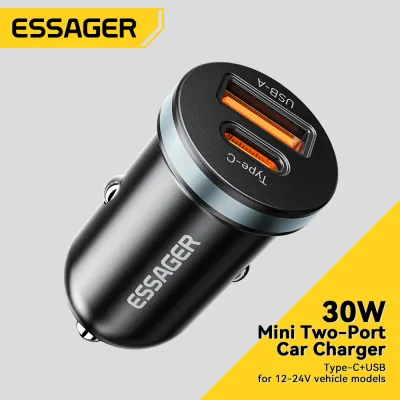
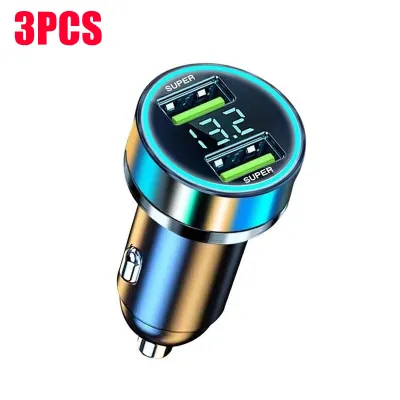
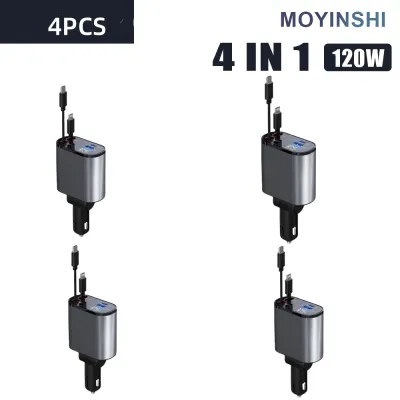
Prices are valid at publication and may change. Please refer to the product page for the latest price.
Using a charger with a higher wattage rating than your iPhone’s maximum limit is entirely safe. Modern smartphones are engineered with internal power management chips that actively regulate the incoming current, drawing only the maximum wattage they are designed to handle. Conversely, using a lower-wattage charger, such as an old 5W plug, will result in extremely slow charging, which may fail to keep up if you are actively using GPS navigation or streaming music.
How to Read Car Charger Labels and Specifications
Before purchasing a car charger from an online marketplace or local auto supply shop, examine the small text printed on the charger’s body or packaging. This label contains critical electrical ratings, specifically the output voltage (measured in Volts or V) and amperage (measured in Amperes or A). These numbers dictate how much power the charger can deliver to your device.

If the total wattage (W) is not clearly printed on the label, you can easily calculate it yourself. Multiply the output voltage by the amperage (Voltage × Amperage = Wattage). For example, an output rating of 9V at 2.22A delivers approximately 20W of power, which is a common requirement for fast-charging modern iPhones.
Multi-port chargers are highly convenient but require careful inspection of how power is distributed. Many chargers advertise a high total wattage, such as 40W or 50W, which is actually divided among multiple ports. If you plug two devices in simultaneously, the charger may split the power, dropping the output of each port to a lower level that prevents fast charging. Always check the specifications to ensure at least one individual port can independently deliver the full wattage your iPhone requires.
Matching the Charger to Your Vehicle's Power Outlet
A compatible car charger must also align with your vehicle’s electrical system. Most standard passenger cars, sedans, and compact SUVs in the Philippines operate on a 12V electrical system. However, larger vehicles like heavy-duty trucks, buses, or utility vehicles often use a 24V system. You must verify that the charger’s input rating, printed on its casing, supports your vehicle’s specific voltage to prevent electrical damage.
Physical fit within the accessory socket is another crucial factor. Sockets can vary slightly in depth and diameter depending on the vehicle’s make and model year. A charger that fits too loosely can slip out of place when driving over speed bumps or rough roads, causing intermittent power loss or electrical arcing. Look for chargers with sturdy, spring-loaded side metal contacts that provide a snug, secure fit.
Always plug your charger directly into the vehicle’s designated accessory socket or cigarette lighter port. Avoid using aftermarket splitters, modified wiring, or spliced connections unless they have been installed by a qualified automotive technician. Poorly executed DIY electrical modifications can lead to short circuits, blown fuses, or even thermal hazards in your vehicle’s dashboard.
Safety Boundaries and Troubleshooting Common Issues
Operating electronics in a tropical climate like the Philippines introduces additional thermal challenges. High ambient temperatures and direct sunlight on your dashboard can cause both your iPhone and the car charger to heat up during operation. Regularly monitor the temperature of the charger plug and your phone; if either component becomes uncomfortably hot to the touch, unplug the device immediately and allow it to cool in the shade.
If your car charger suddenly stops delivering power, the issue may lie within your vehicle’s electrical protection system. Inspect your vehicle’s fuse box, referring to the owner’s manual to locate the fuse associated with the accessory socket. If the fuse has blown, replace it only with a new fuse of the exact same amperage rating; never bypass a fuse or use a higher-rated one, as this can cause severe damage to your vehicle’s wiring harness.
Accumulated debris is another common cause of charging failures. Over time, pocket lint, dust, and humid residue can collect inside your iPhone’s charging port or on the metal contacts of your cable. Carefully clean the port using a non-conductive tool, such as a wooden toothpick, and wipe the cable connectors with a dry, lint-free cloth to restore a stable electrical connection.
Frequently Asked Questions (FAQ)
Can I use a USB-A to Lightning cable with a USB-C car charger port?
You cannot plug a standard USB-A connector directly into a USB-C port without a physical adapter. While adapters are available on the market, using them can sometimes limit charging speeds or introduce connection instability. For the most reliable and efficient charging experience, it is highly recommended to upgrade to a dedicated USB-C to Lightning cable, which supports the Power Delivery (PD) standard required for fast charging.
Will a fast car charger damage my older iPhone battery?
No, a fast car charger will not damage an older iPhone battery. Modern iPhones are equipped with advanced internal power management systems that communicate with the charger to draw only the specific amount of power they can safely handle. To maintain long-term battery health, avoid leaving your phone plugged in under direct sunlight on hot days, and consult the manufacturer’s official guidelines for battery care.

Community discussion
Share your experience or ask a question. Comments are reviewed before publication.