
Finding the right Type-C car charger involves more than just picking the first plug that fits your vehicle’s accessory socket. With modern smartphones, tablets, and laptops requiring different power levels, choosing an incompatible charger can lead to painfully slow charging speeds or a device that drains battery even while plugged in. By understanding key specifications like wattage, charging protocols, and power distribution, you can keep your devices powered safely during long drives in tropical heat or daily city traffic.
Power Output and Wattage: Matching Your Device Needs
To select the right charger, you must first identify the power requirements of the devices you plan to charge on the road. Smartphones typically require anywhere from 15 to 30 watts of power for fast charging, while tablets often need 30 to 45 watts. If you plan to power a laptop, such as a MacBook or a high-performance Windows ultrabook, you will generally need a charger capable of delivering 65 watts or more from a single port.
When browsing options on an online marketplace, pay close attention to how manufacturers list wattage on product packaging. Many chargers advertise a high total wattage, such as 95W, which is actually the combined maximum output of all ports rather than what a single port can deliver. You must verify the sustained wattage rating of the specific Type-C port you intend to use to ensure it meets your largest device’s requirements.
Products mentioned in this guide
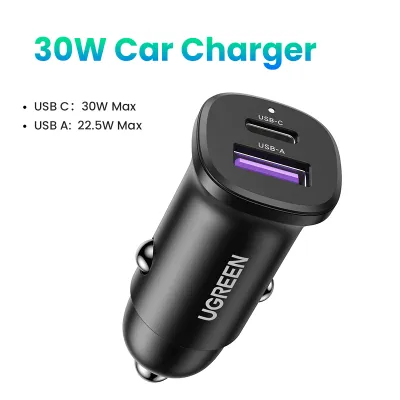
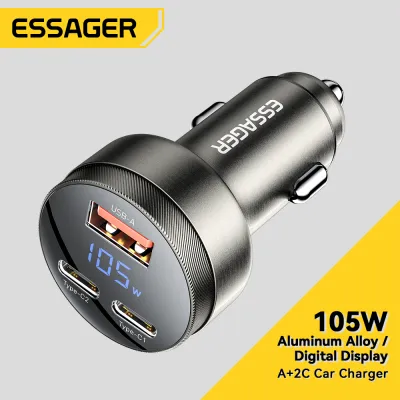
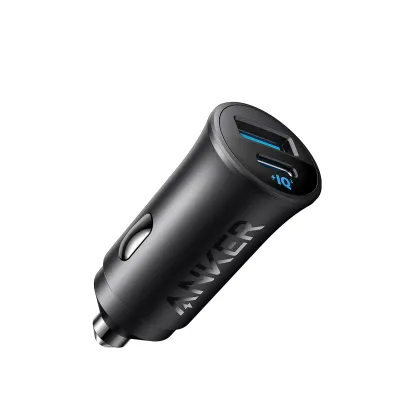
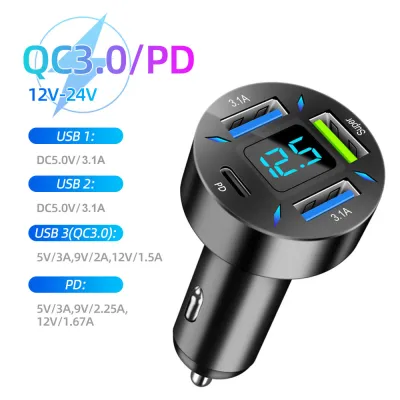
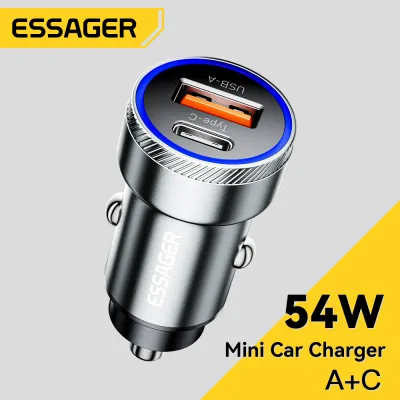
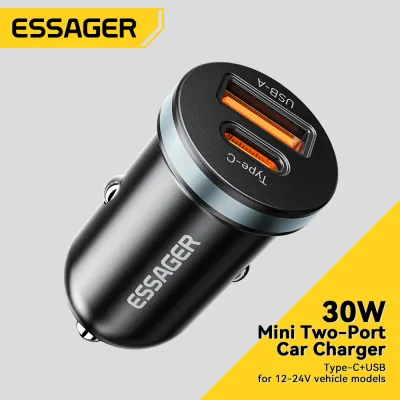
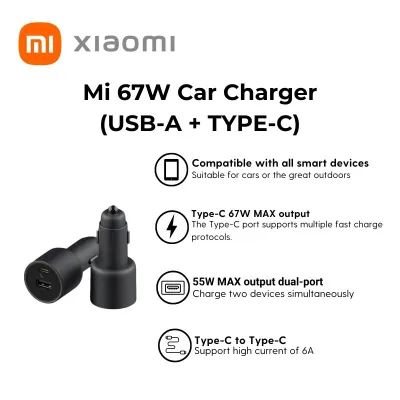
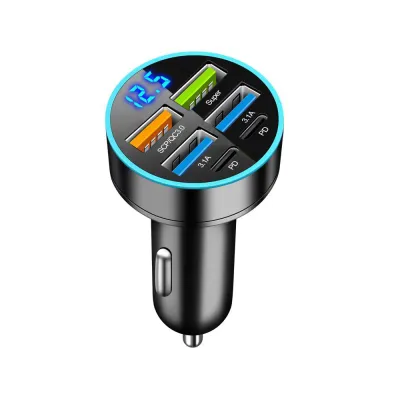
Prices are valid at publication and may change. Please refer to the product page for the latest price.
To establish your baseline needs, check the original wall adapter that came with your device or consult the manufacturer’s official specifications online. The label on your original charger will list the output voltage and amperage, which you can multiply to find the wattage (Voltage x Amps = Watts). Matching this number ensures your new car accessory will charge your device just as quickly as your home outlet.
Charging Protocols: Navigating Power Delivery (PD) and Quick Charge (QC)
Wattage alone does not guarantee fast charging; the charger and your device must also speak the same electronic language. USB Power Delivery (PD) is the open, industry-standard protocol used by most modern Type-C devices, including iPhones, iPads, Google Pixel phones, and modern laptops. If your devices rely on USB-PD, purchasing a charger that explicitly supports this protocol is essential for achieving optimal charging speeds.

In contrast, Quick Charge (QC) is a proprietary protocol developed by Qualcomm, which is commonly supported by various Android smartphones. While many modern Type-C chargers offer backward compatibility or hybrid ports that support both standards, some brand-specific fast-charging technologies require proprietary cables and matching chargers. Connecting a device to a charger that does not support its specific protocol will usually revert the charging speed to a standard, much slower rate.
Before making a purchase, consult your device’s user manual or technical specifications to confirm which fast-charging protocol it utilizes. If you own devices from different manufacturers, look for a versatile car charger that supports both USB-PD and QC standards. This cross-compatibility ensures that everyone in the vehicle can fast-charge their devices, regardless of the brand they carry.
Multi-Port Configurations and Power Distribution
If you need to charge multiple devices simultaneously, understanding how a multi-port charger distributes its power is critical. When multiple devices are plugged in, the charger’s internal circuitry must split the total available wattage among the active ports. On lower-end models, plugging in a second device can drop the primary Type-C port’s output so low that a connected laptop will stop charging entirely.
Many modern multi-port chargers feature dynamic power allocation, which intelligently detects the power demands of each connected device and distributes wattage accordingly. For example, a charger might deliver a full 65W to a laptop when plugged in alone, but split that into 45W for the laptop and 20W for a phone when a second cable is connected. Reviewing the product’s technical specifications will show you exactly how the power splits under different loading scenarios.
You should also choose between a single Type-C port, dual Type-C ports, or a hybrid configuration that includes older USB-A ports. While Type-C is the modern standard for speed and power, keeping a legacy USB-A port can be useful for powering older accessories like dash cams or older phone models. Always check the individual port output limits rather than relying solely on the total combined output rating advertised on the box.
Safety Labels and Vehicle Socket Compatibility
Car electrical systems can experience voltage fluctuations, making safety certifications a vital consideration for any plug-in accessory. Look for reputable safety labels and certifications on the packaging, which indicate the charger has built-in protections against overcurrent, overvoltage, overheating, and short circuits. While budget-friendly chargers priced under ₱500 are widely available on online marketplaces, investing in a certified model ensures long-term safety.
Physical dimensions and design also play a practical role in how well a charger fits into your daily drive. A charger that protrudes too far from the accessory socket might obstruct your gear shifter, block cup holders, or interfere with dashboard controls. Always verify your vehicle’s specific socket dimensions and electrical specifications in your vehicle documentation before purchasing, as accessory socket depths can vary by vehicle model and year.
Finally, consult your vehicle’s owner manual to verify the maximum amperage and wattage limits of your 12V or 24V accessory socket. Most passenger car sockets are rated for 10 to 15 amps, which translates to roughly 120W to 180W of total power. Exceeding this limit by plugging in a massive multi-port charger loaded with high-draw devices can blow the vehicle’s accessory fuse, requiring a physical fuse replacement to restore power.
Frequently Asked Questions (FAQ)
Will a high-wattage Type-C car charger damage my phone's battery?
No, a high-wattage charger will not damage a compliant, modern smartphone. Modern devices are designed with internal charging controllers that actively communicate with the charger to draw only the specific amount of power they can safely handle. However, because fast charging naturally generates some heat, you should monitor your phone during use and avoid placing it in direct sunlight on the dashboard while charging.
Can I use a Type-C car charger to power a dash cam or tire inflator?
You can use a Type-C port to power a dash cam if the camera supports USB power delivery and has a compatible Type-C input. However, heavy-duty automotive accessories like portable tire inflators require continuous, high-current power that standard USB ports cannot provide. Always check the accessory’s power label and use the vehicle’s dedicated 12V cigarette lighter socket directly for high-draw mechanical tools.

Community discussion
Share your experience or ask a question. Comments are reviewed before publication.