
To get the fastest possible charging speeds for your smartphone while driving, you must match your phone’s specific fast charging protocol with a compatible car cigarette plug charger. Simply buying a charger based on a high advertised wattage does not guarantee fast charging, as different devices rely on distinct communication standards to unlock higher power levels. Understanding these standards ensures your phone actually fast-charges during your daily commute rather than slowly trickling power.
Decoding Common USB Fast Charging Protocols
The landscape of USB fast charging is divided into universal standards and proprietary, brand-specific protocols. The most common universal standard is USB Power Delivery (PD), which is the industry standard for modern USB-C devices, including newer smartphones, tablets, and even laptops. USB PD dynamically negotiates voltages and currents to deliver optimal power safely. Another widely used universal standard is Qualcomm Quick Charge (QC), which is commonly found on USB-A ports and supports a vast array of older or budget-friendly Android devices.
In contrast, many smartphone manufacturers develop proprietary fast charging protocols to achieve extremely high charging speeds. These brand-specific standards often require specialized circuitry in both the charger and the cable. If you plug a phone that relies on a proprietary standard into a generic third-party car cigarette plug charger, the two devices will fail to negotiate the high-speed protocol. As a result, the charging speed will automatically drop to a standard, slower baseline speed.
Products mentioned in this guide
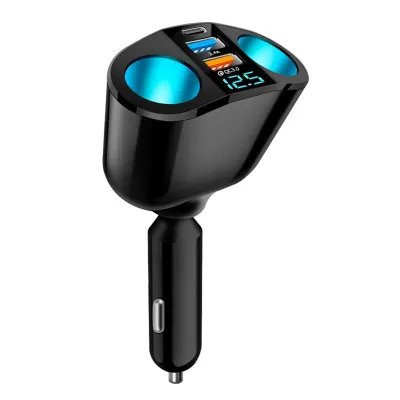
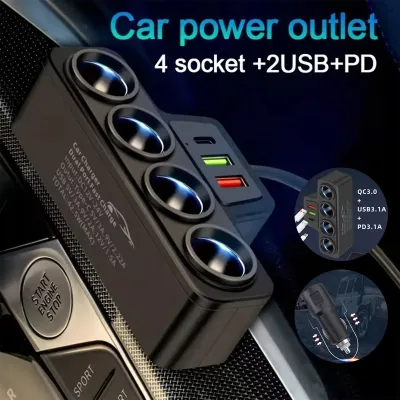
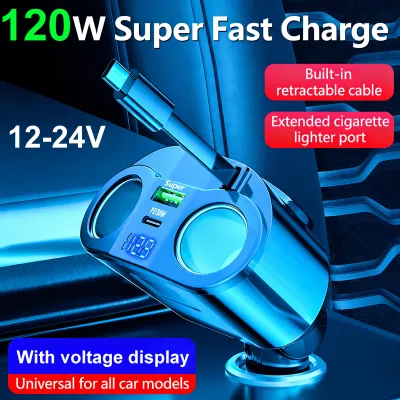
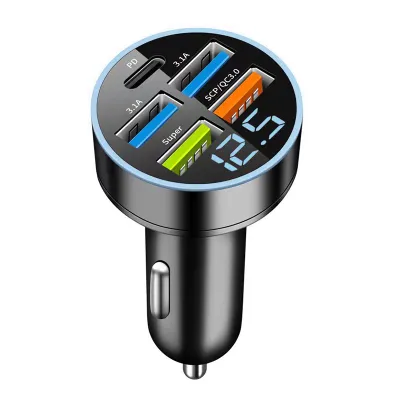
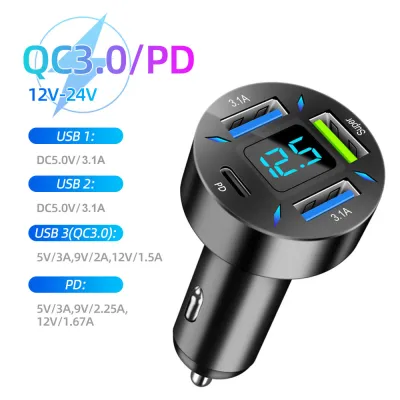
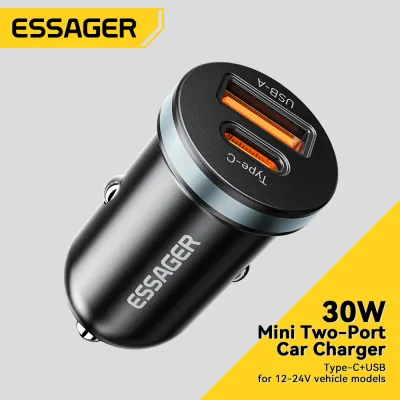
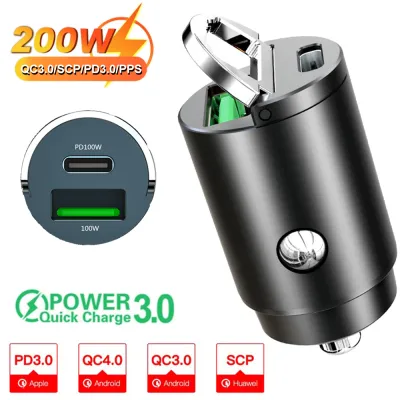
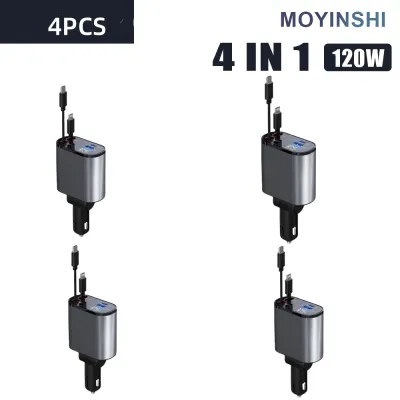
Prices are valid at publication and may change. Please refer to the product page for the latest price.
For households where drivers and passengers use different phone brands, a multi-protocol car charger is the most practical choice. Selecting a charger that features both a USB-C port supporting USB PD and a USB-A port supporting QC ensures broad compatibility. This setup allows multiple devices to fast-charge simultaneously without interfering with each other’s power delivery.
Matching the Charger to Your Specific Smartphone
To ensure your phone fast-charges on the road, you must first identify the exact protocol it supports. You can find this information by reviewing the technical specifications in your smartphone’s official user manual or on the manufacturer’s support website. Look for terms like USB PD, Quick Charge, or specific proprietary charging names, along with the maximum wattage your device can safely accept.

When you connect your phone to a car charger, the two devices undergo a process called protocol negotiation. During this initial handshake, the phone communicates its power requirements and safety limits to the charger, and the charger responds with its available power profiles. If they share a compatible protocol, the charger increases the voltage and current to fast-charge levels. If there is no matching protocol, the system defaults to a standard baseline, which may not provide enough power to charge the phone while running demanding navigation and music apps.
In tropical climates where cabin temperatures can rise quickly, matching the correct protocol is even more critical. When a phone and charger do not communicate efficiently, the charging process can generate excess heat, triggering the phone’s thermal throttling mechanisms. This thermal protection slows down the charging speed to protect the battery, making a compatible protocol essential for maintaining consistent speeds in warm conditions.
Reading the Car Charger Specifications Label
Before purchasing a car cigarette plug charger from an online marketplace or local auto accessory store, you must learn to read the technical specifications label printed on the device or its packaging. Manufacturers often advertise a high total wattage, such as 48W or 95W, which is actually the combined maximum output of all ports operating simultaneously. A single port on that charger might only output a fraction of that total, which may not be enough to trigger fast charging on your specific device.
To find the true capability of each port, look for the detailed output ratings listed on the label, usually formatted as “Output:” followed by specific voltage (V) and amperage (A) combinations. For example, a port rated for 9V at 2A delivers 18W of power, while a port rated for 12V at 3A delivers 36W. Compare these specific profiles with your phone’s requirements to ensure the charger can deliver the necessary voltage and current on a single port.
Be cautious of vague marketing terms like “super-fast” or “turbo” that lack standardized electrical ratings. Always rely on the printed voltage and amperage specifications to verify compatibility, as these standardized metrics are the only reliable indicators of how the charger will perform with your devices.
Safety and Vehicle Compatibility Considerations
Before plugging any high-draw accessory into your vehicle’s cigarette lighter socket, you must verify your car’s electrical limits. Consult your vehicle’s owner’s manual to locate the fuse diagram and identify the amperage rating for the accessory socket, which is typically 10A or 15A. Exceeding this limit by connecting multiple high-power devices through splitters can blow the fuse, disabling the socket and potentially other dashboard electronics.
Physical compatibility and build quality are also vital for safe operation while driving. Look for a car charger with a robust, snug-fitting design and strong metal tension springs on the sides. A loose charger can slip out of place on bumpy roads, causing intermittent connections that lead to electrical arcing, which can damage the socket’s internal contacts and generate dangerous levels of heat.
Always monitor the physical condition of the charger and the socket during use. If the car cigarette plug charger feels excessively hot to the touch, emits a burning odor, or shows signs of melting plastic, immediately unplug it from the socket. These symptoms indicate a serious electrical issue, and you should consult a qualified automotive technician to inspect your vehicle’s wiring and socket before using any other accessories.
Frequently Asked Questions (FAQ)
Can I use a high-wattage car charger on a phone that only supports lower wattage?
Yes, it is entirely safe to use a high-wattage car charger with a lower-wattage phone. Modern smartphones control the power draw dynamically through internal charging circuits, meaning the phone will only pull the maximum wattage it is designed to handle. The charger does not force power into the device, and built-in safety protocols prevent overcharging, overheating, or electrical damage.
Does the USB cable affect fast charging speeds in the car?
Yes, the USB cable plays a critical role in the fast charging process. To achieve fast charging, you must use a high-quality cable that is rated to handle the specific wattage and current of your charger. This is especially important for USB-C to USB-C connections using USB Power Delivery, where the cable itself contains an electronic chip to negotiate power levels safely; low-quality or damaged cables will limit charging speeds to standard baselines.

Community discussion
Share your experience or ask a question. Comments are reviewed before publication.